
Magento
Doxtly Forms
Version 0.2.0
- Magento 2.4.8+
- PHP 8.3+
- Download the ZIP file.
- Unpack it into app/code/Doxtly/Forms, then run bin/magento module:enable Doxtly_Forms, bin/magento setup:upgrade and bin/magento cache:flush, and in production mode also setup:di:compile and setup:static-content:deploy. To update, replace the folder with the new one and run them again, from setup:upgrade on.
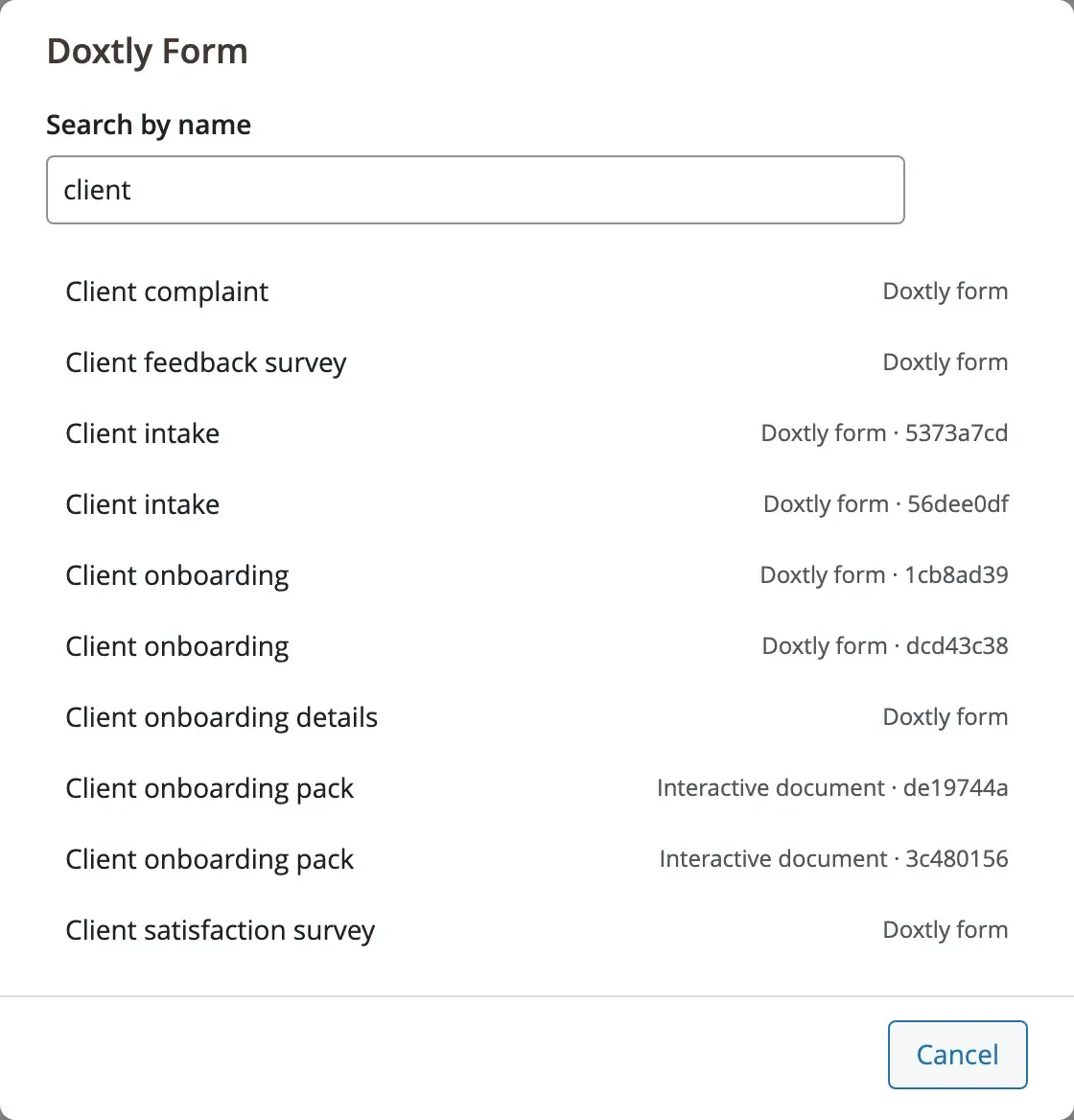
- In Content → Elements → Doxtly Forms, enter your organization’s own Doxtly address if it has one and, to choose forms from a list, an access key with the "List forms" permission. Add "List interactive documents" to link to those too.
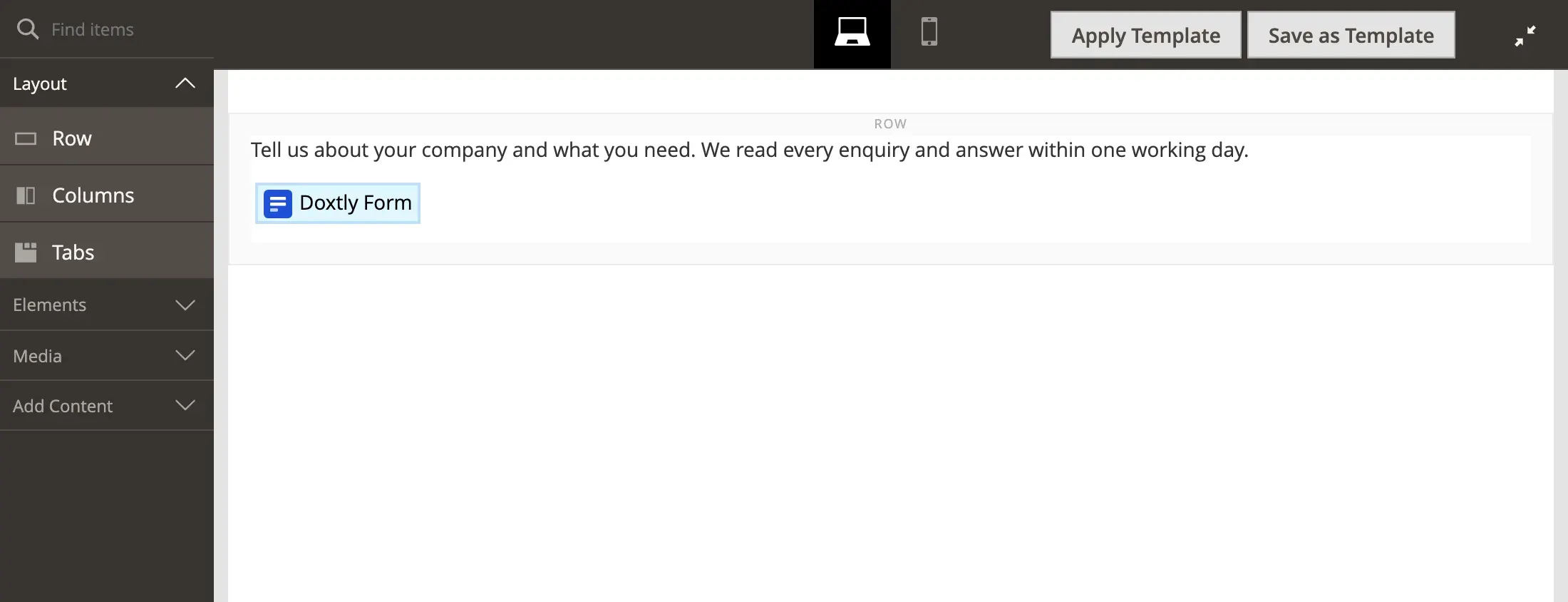
- In the editor of a CMS page or block, click Insert Widget and choose Doxtly Form, or add a widget instance in Content → Elements → Widgets. To link to a form or an interactive document instead, choose Doxtly Link and type its name.
- To put a quiz or a survey on a page, click Insert Widget, choose "Doxtly Quiz or Survey" and pick it from a list (the access key needs "List quizzes" and "List surveys"), or type [doxtly_quiz id="…"] or [doxtly_survey id="…"] with the token from its Share dialog. Like a form, it is drawn in the page or, with the iframe embed type, in a frame that follows its height, and any of them can be shown in another Doxtly theme of your organization, on a transparent background if you like (choosing the theme from a list needs "Read themes of public pages").
Download
doxtly-forms-magento.zip · 126 KB
SHA-256: 931de4e762920cf328dcb41ad61baea833d974a5629edcc228bfdf094f3d3d23