
Sign documents online, without the print-and-scan round trip
Send a PDF with a link, and your client signs it on a phone or a laptop, with no account to create. You see who has signed, and the finished file carries a seal that shows any later change.
Print, sign, scan, and then chase
Take Northbridge Advisory, an example consulting firm. Its consultants write a statement of work in Word for every project, and no two are alike. Julia, the office manager, emails the PDF to the client, who prints it, signs it, scans it and sends it back. Or sends a phone photo of the last page. Then a partner has to sign as well, so the file goes round again.
A fortnight later, nobody can say whether Halden Logistics signed the second version or the third. The answer sits in somebody’s inbox. Julia keeps a spreadsheet of who still owes a signature, and the signed copies live wherever they happened to land.
When a client does question a date or a clause, all Northbridge has is a scan. It shows a signature, and it can’t show who made it, when, or whether the page behind it is the one that was agreed.
How Northbridge gets a document signed online
The consultant marks who signs where
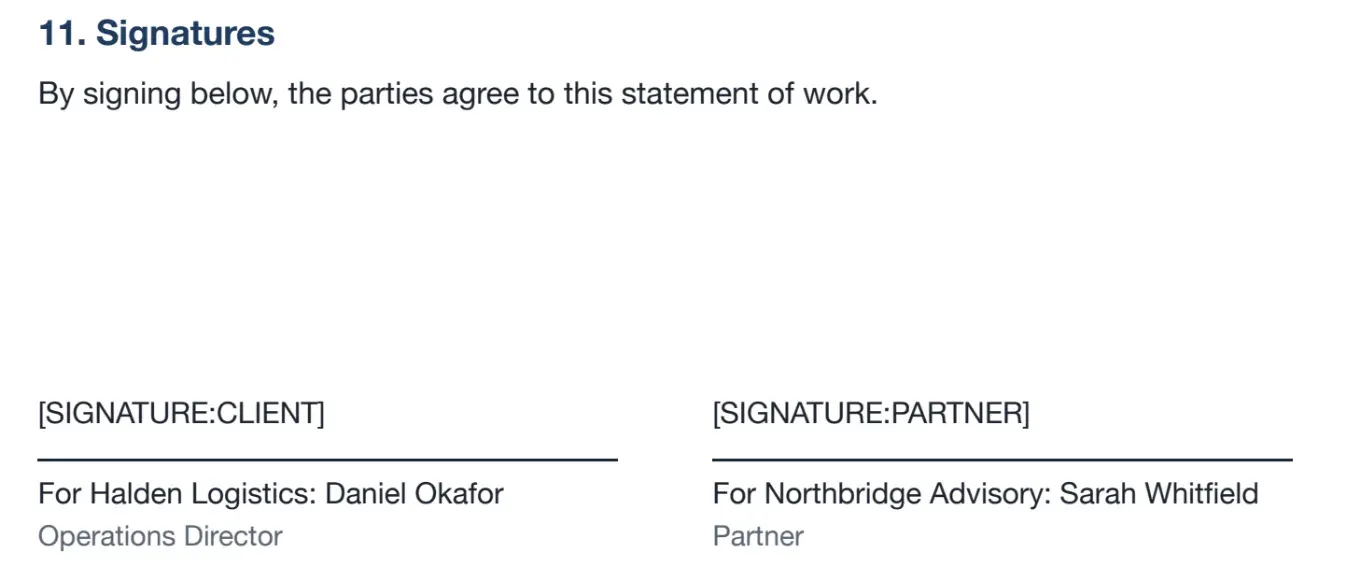
Above the signature lines in Word, she types
[SIGNATURE:CLIENT]and[SIGNATURE:PARTNER], then saves the file as a PDF. Each marker tells Doxtly who signs and where, and the signature takes its place on the page.
Julia sends it through a short form
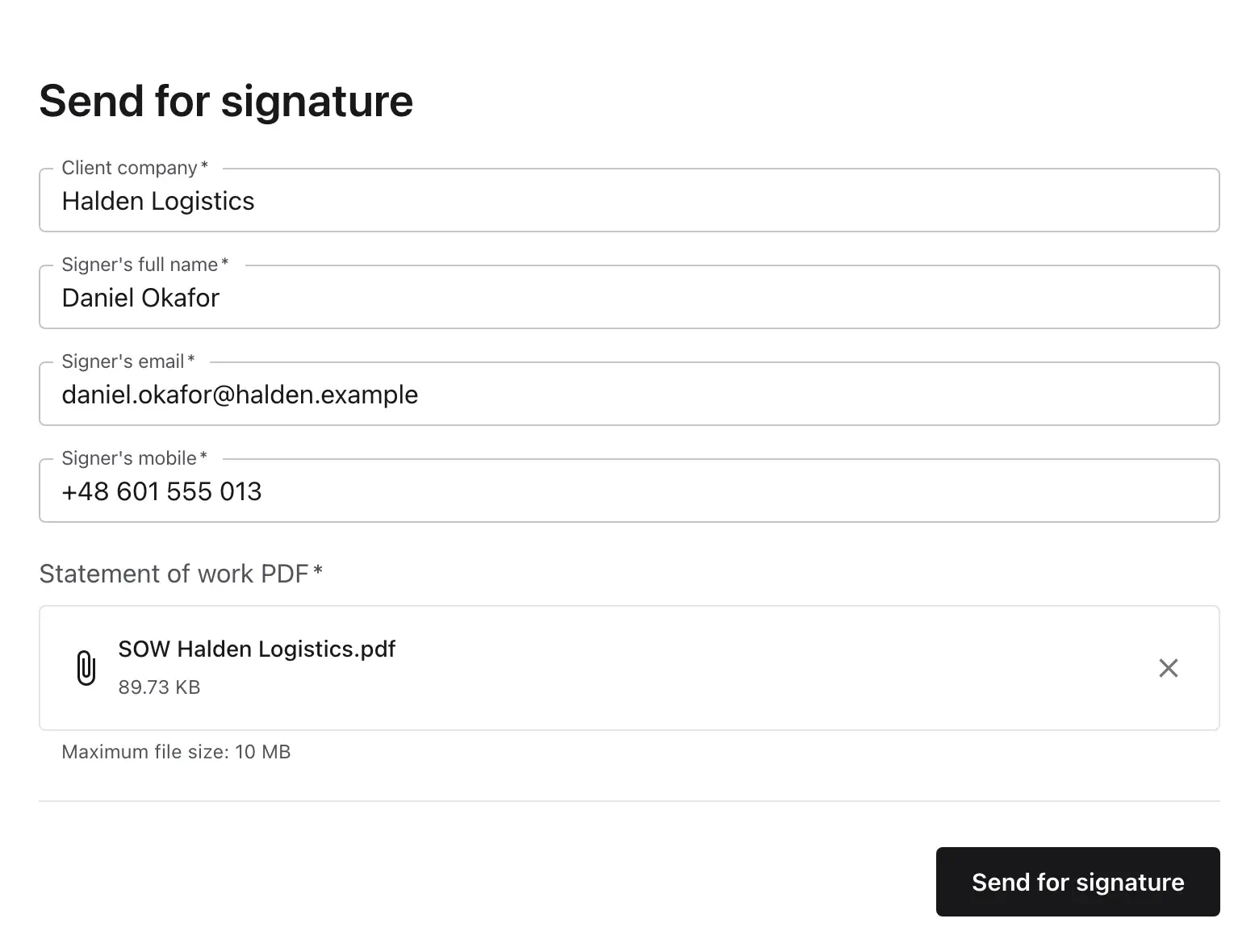
A password-protected form called “Send for signature” asks for the client’s company, the signer’s name, email and mobile number, and the PDF. Sending the form starts a workflow, which puts the PDF in a signing package, filed under “Statements of work”.
Each person gets their own link
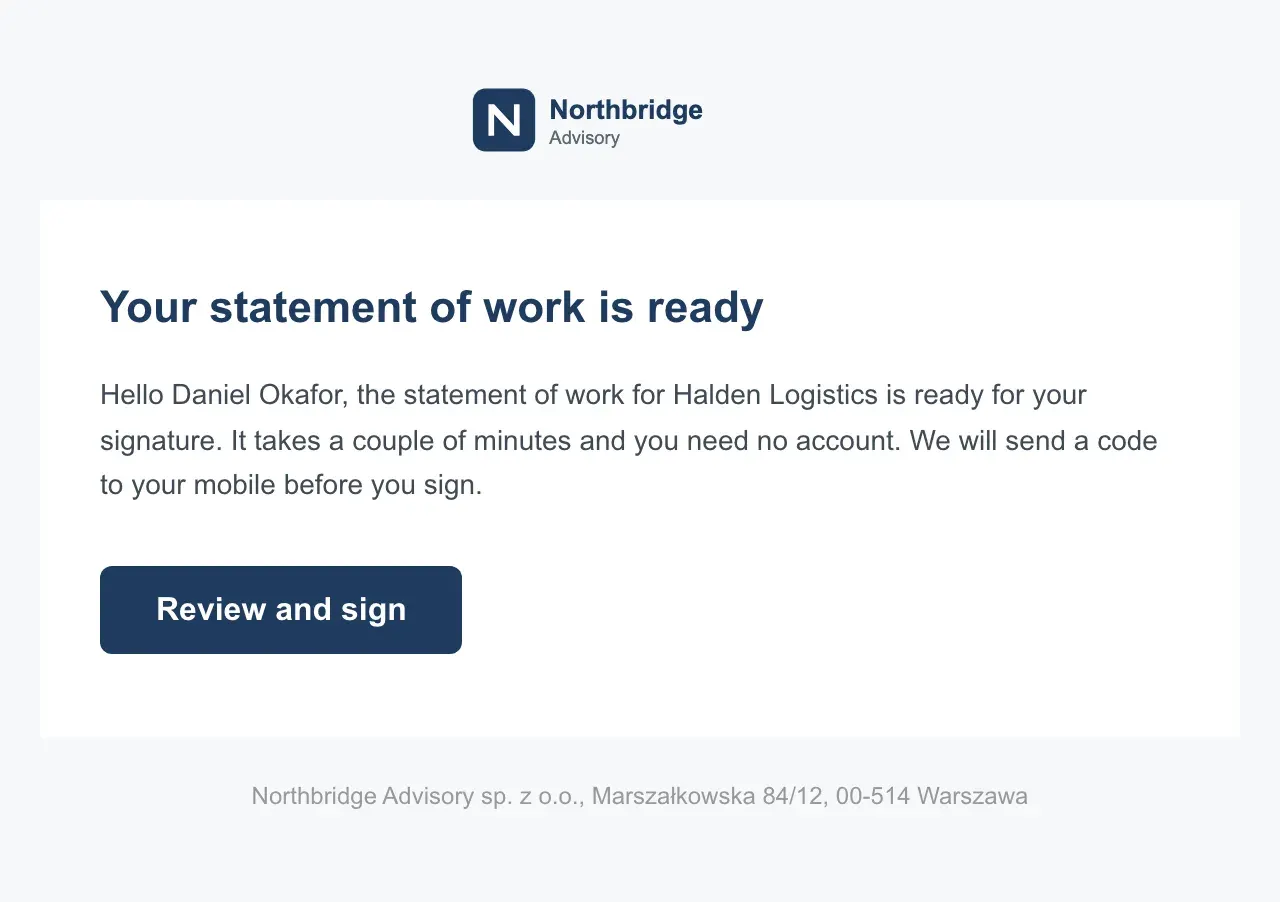
An email in Northbridge’s own style reaches Daniel Okafor at Halden Logistics, with a button that opens his personal signing page. A second email tells Sarah Whitfield, the partner, who finds the document under Waiting for you on her dashboard.
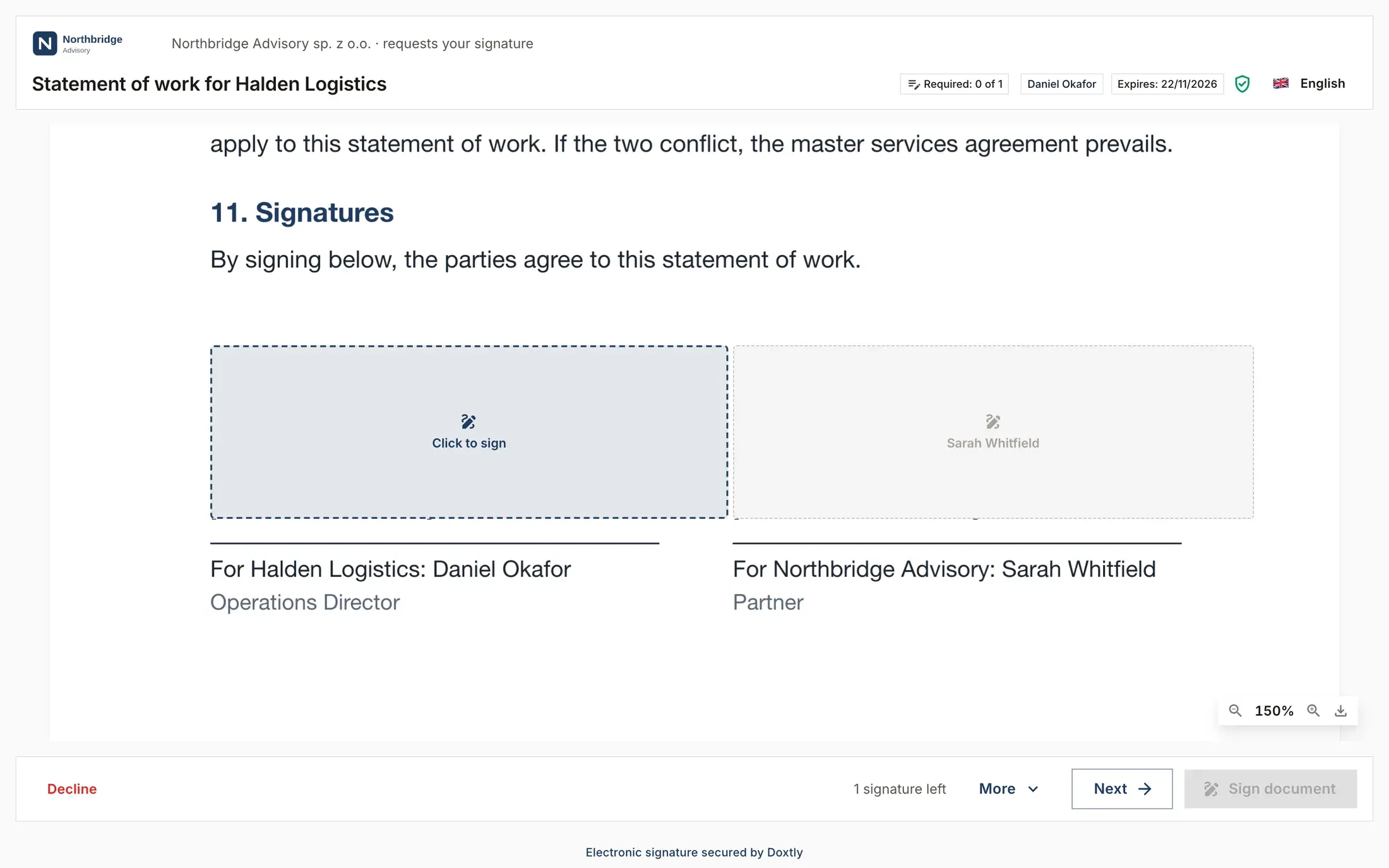
Daniel signs on his phone
Before the document opens, the page asks him to confirm that it is him with a code sent to his phone by SMS. Then he reads the document, taps the box marked for him, and draws or types his signature. The signing page needs a browser and nothing else.
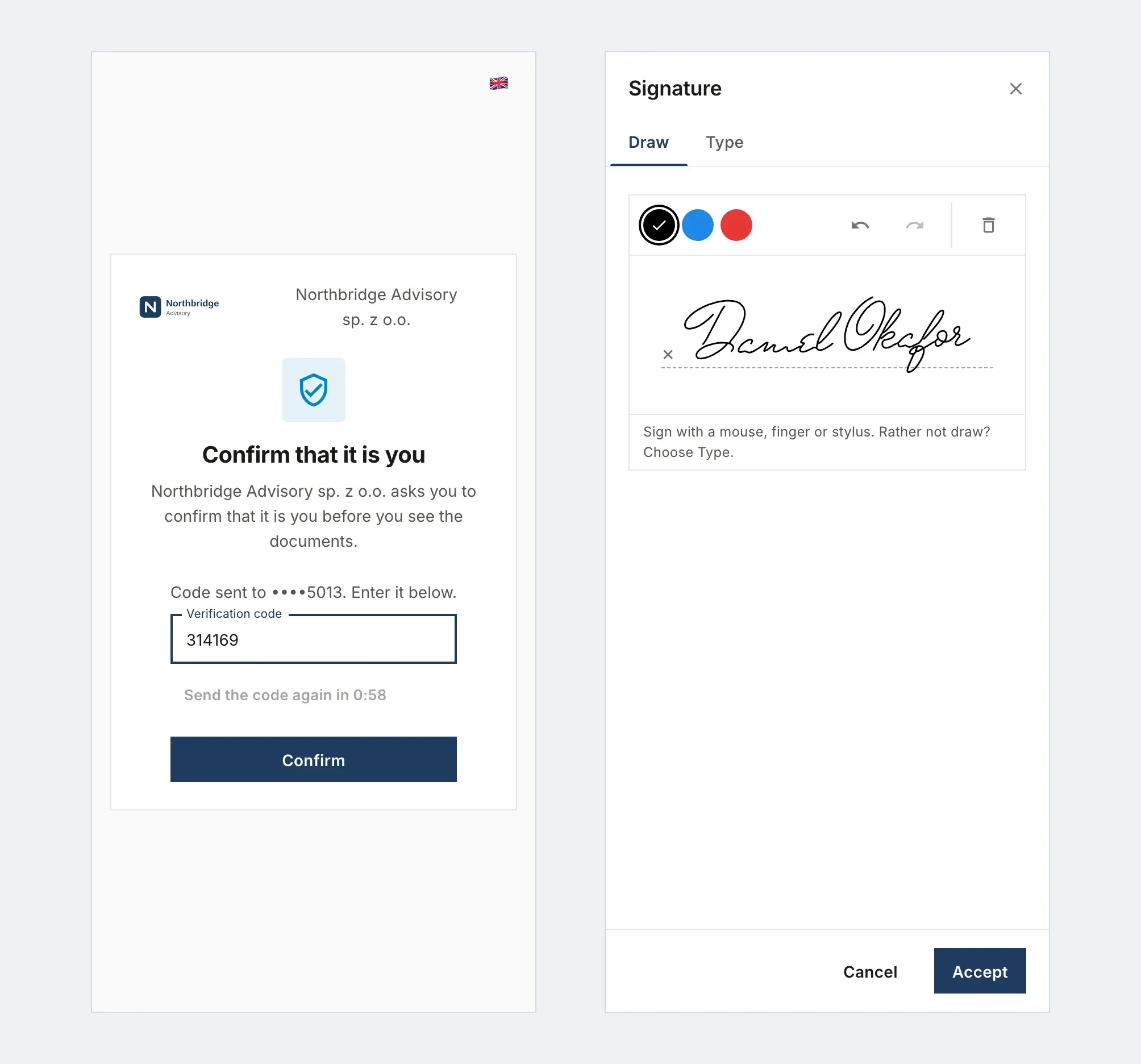
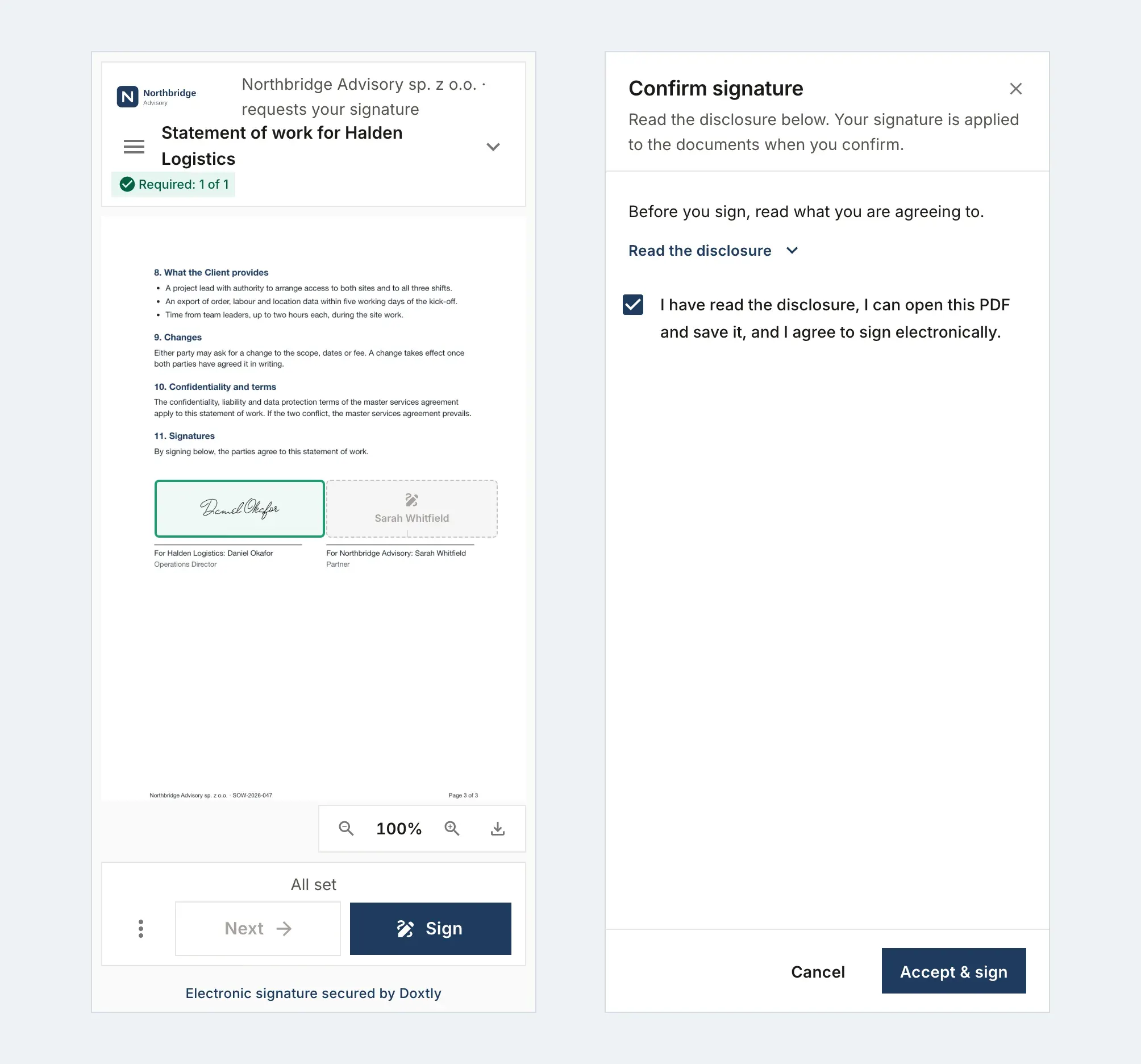
He accepts and signs
With his signature in its place, the bar at the bottom reads All set, and he presses Sign. In Confirm signature he ticks that he has read the electronic signature disclosure and presses Accept & sign.
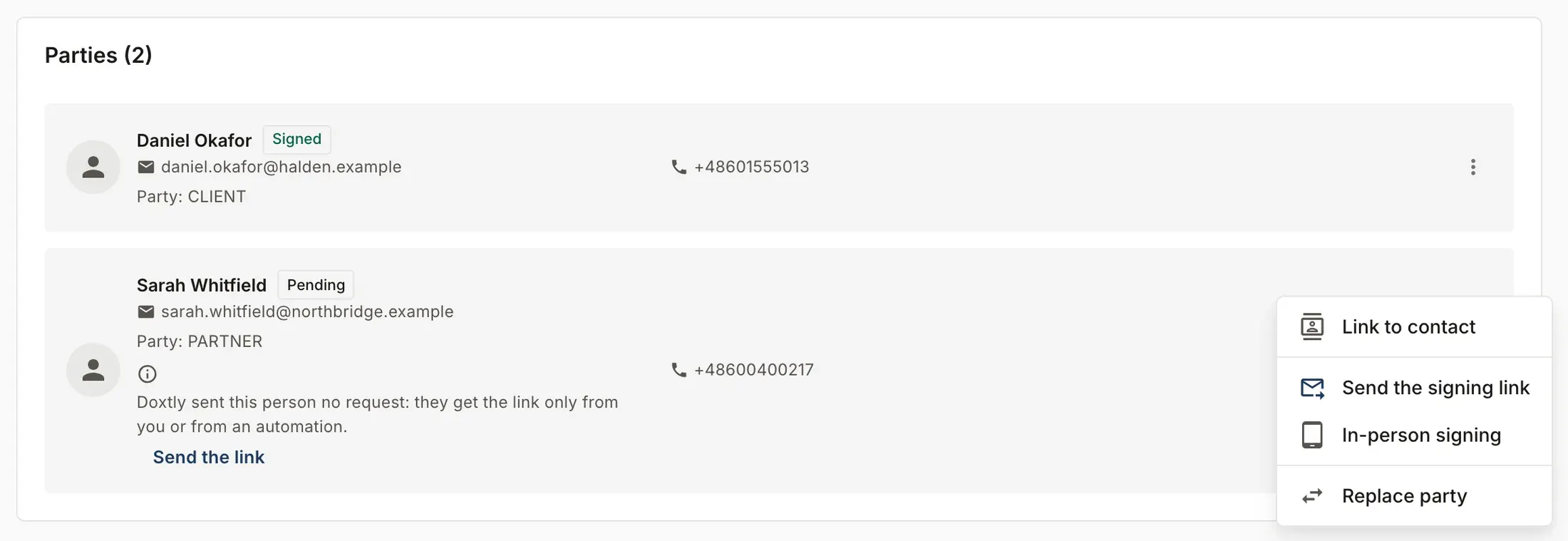
Julia sees where it stands
The document list shows every package and its status, and the package page shows who has opened it and who has signed. If someone goes quiet, she opens the menu on their row and chooses Send the signing link, and it goes on record.
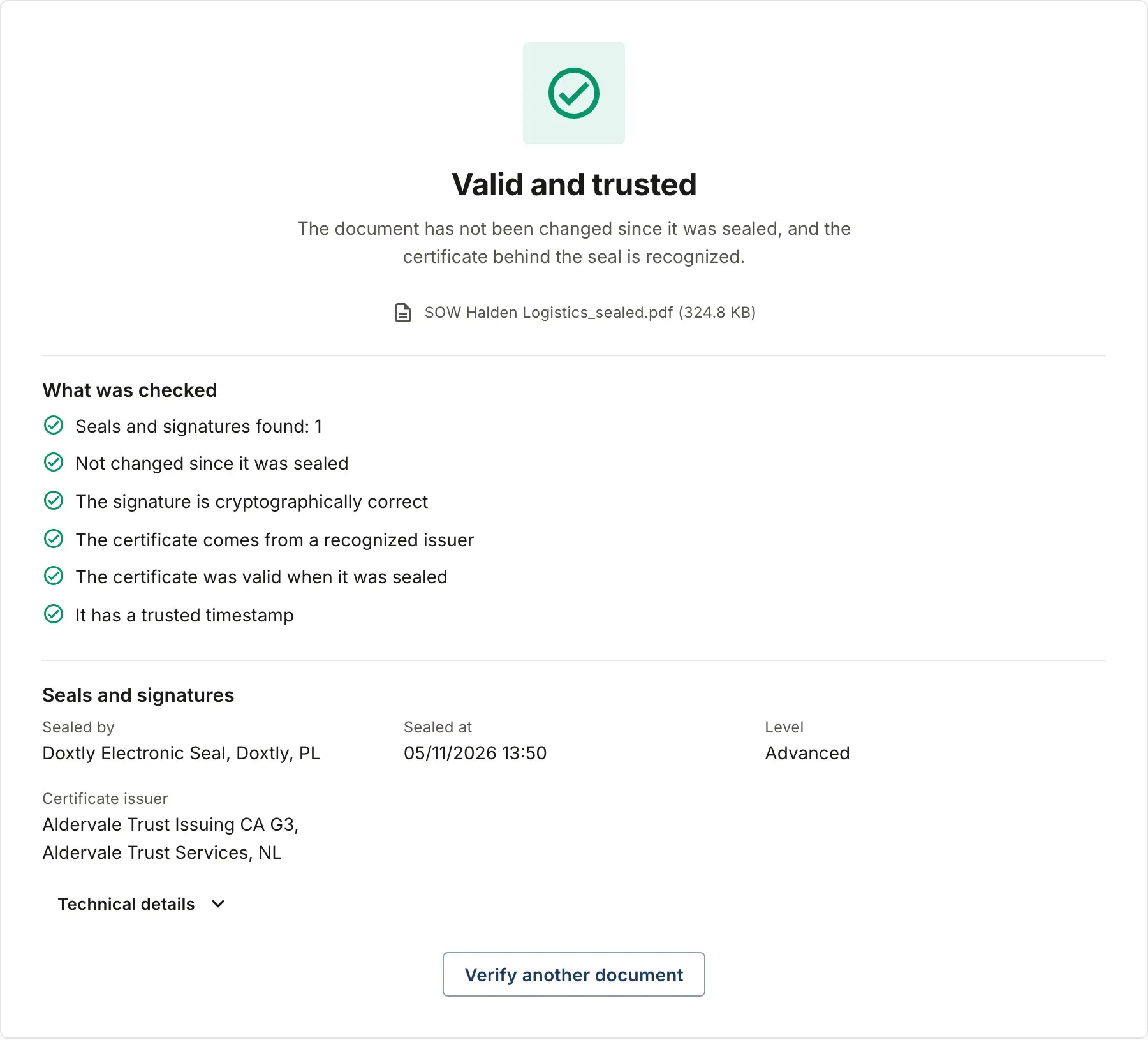
The last signature seals the PDF
Whoever signs last, Doxtly puts a PAdES seal over the whole file and adds a Certificate of Completion with each signer’s evidence. Change one byte afterwards and the seal breaks. Julia can check any copy under Verify signature, and a client can check it in Adobe Acrobat.
The signed copy goes where it belongs
A second workflow starts on The package is fully signed. It emails Daniel the sealed PDF and files it in his client folder on Google Drive. Julia’s spreadsheet can go: every statement of work now sits in one list, with its proof attached.
What Northbridge set up once
- A form with a password, and a File upload field limited to PDF
- A document type, “Statements of work”
- A workflow: the form, Create documents and two Send email steps. The deadline is 14 days, the check is an SMS code, and the signature level is PAdES-T, for an independent timestamp
- An email integration, an SMS integration for the codes, and an email template for each signer
- A second workflow on The package is fully signed, with Google Drive connected
Ways to adapt it
- The same document every time
- For an NDA or a consent form, skip the upload. Make a PDF template once and draw the signature areas on it. This also suits a scan or a PDF from elsewhere, where you can’t type a marker.
- Signing right after a form
- When the signer fills in the form themselves, such as a course enrolment, turn on immediate signing. They land on the signing page with no email in between.
- A lighter or a different check
- The link alone is often enough for everyday paperwork. A code can also go by email or WhatsApp.
- Someone who only reads
- Add a viewer, such as a compliance officer. They get a link to read the package and sign nothing.
- Hearing about a refusal
- A workflow on A party declines to sign emails the reason to the account manager while the conversation is still warm.
- Without any workflow
- For a one-off, press New package in Documents: add the PDF or Word file, name the parties, set the order and the reminders, and send. A draft waits until you are ready, and Preview shows the signing page as each party will see it.
Questions people ask
How do I sign a PDF online without printing it?
The person opens their signing link in a browser, clicks the box marked for them, and draws or types a signature with a mouse, a finger or a stylus. There is nothing to print, scan or install.
Does the person signing need an account?
No. A link and a current browser on a computer or a phone are enough. Your own colleagues can also sign inside Doxtly, which ties the signature to their account.
Is an electronic signature legally binding?
A Doxtly signature is a simple electronic signature under the EU’s eIDAS regulation. A court can’t reject it only because it is electronic, and if someone disputes it, the evidence decides. That suits NDAs, statements of work and order confirmations. If the law requires a qualified signature, a party can give one with a certificate of their own, and a document the law requires on paper stays on paper. For anything high-stakes, ask your lawyer. Signature types has the detail.
What does the Doxtly seal prove?
That the file hasn’t changed since everyone signed. It doesn’t certify anybody’s identity: the proof of who signed is the evidence on the Certificate of Completion, such as the time, the IP address and how the person was checked. The seal is a standard PDF signature, so your client can check it without a Doxtly account.
Can I upload a PDF and send it straight away?
Yes. Press New package in Documents, add the PDF, name the parties and send it, with a draft and a preview on the way. Northbridge built a form and a workflow because the same steps repeat for every project: after that, sending a document means filling in the form.
Can I choose the order people sign in?
Yes. By default everyone whose link has gone out can sign straight away. On the People tab, turn on People act in turn, step by step in the Order section and arrange the steps: each step waits for the one before, and an approver can go first.
Does Doxtly send reminders by itself?
Yes, if you set them. A package can carry up to five reminders, after sending or before the deadline, and they reach only those who can act now. You can also send a link again from the package page. A deadline is optional: after it passes, nobody can sign.
What if someone refuses to sign?
They press Decline and can give a reason. That document is closed for good, so you fix what’s wrong and send a new package. The refusal and the reason stay in the audit log.
How does my client get the signed copy?
When the last party signs, each party gets the message Everyone signed with their own sealed PDFs attached, or a personal link if the files are too large. A workflow on The package is fully signed can do more, such as filing a copy in a client folder.
Which plan do I need?
E-signing is on every plan, the free one included. Each document you send uses a form submission, a signature package, workflow runs and emails, and those have monthly limits: see Pricing. SMS codes are billed by your SMS provider.
Features behind it
In the manual
Start with one document.
Take the contract you retype most often and turn it into a template. The Free plan is enough, and you need no card.