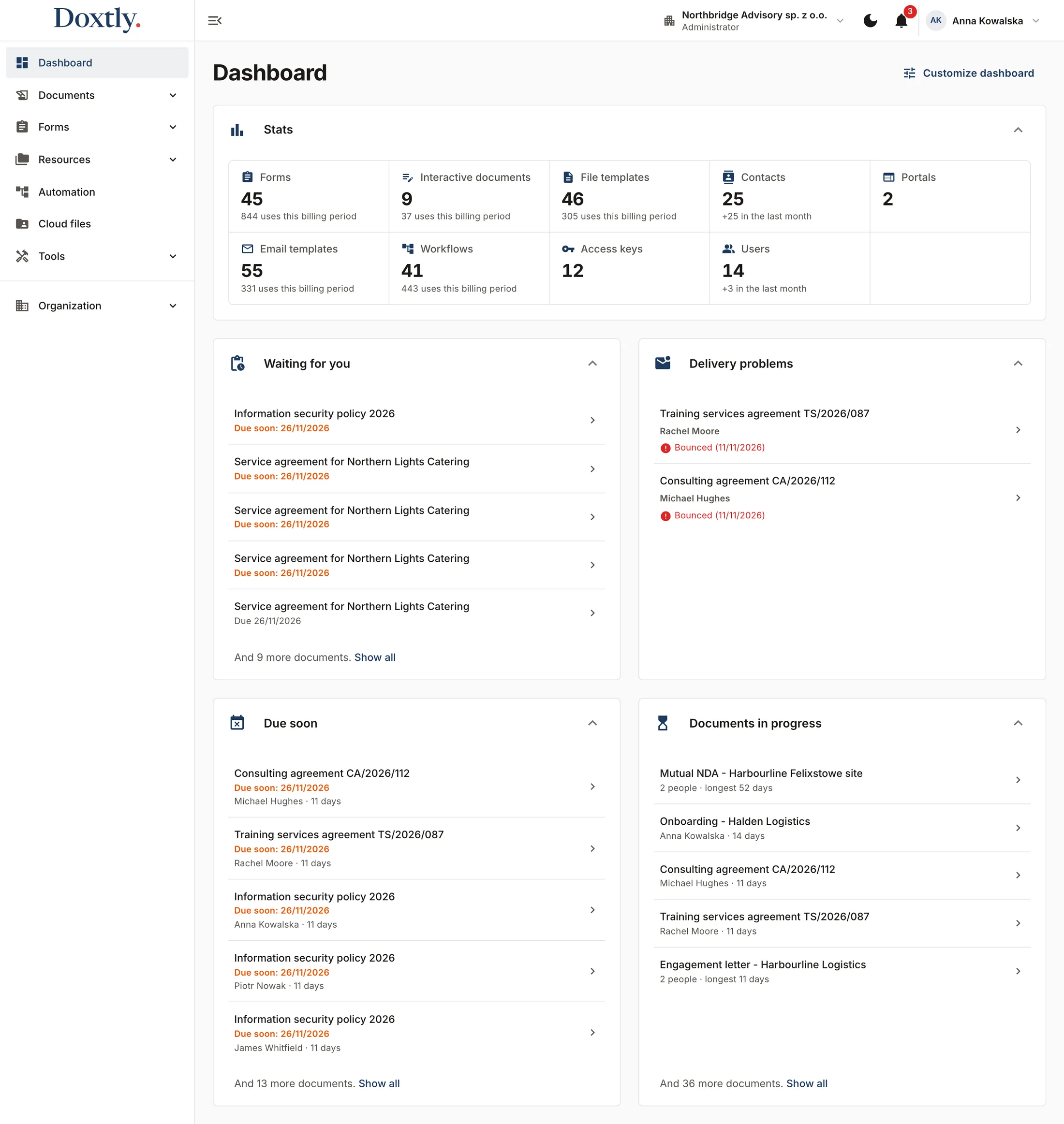
Doxtly takes the paperwork that passes through your business, from the moment a client fills in a form to the moment a signed PDF lands in the right folder, and does the repetitive part for you. This manual explains every screen and setting, and what each one is good for.
The dashboard of Northbridge Advisory, the example company used throughout this manual.
Most offices lose hours to the same small jobs: copying details from an email into a Word file, sending a PDF for signature and chasing it for a week, remembering who gets a copy. A training company types the name on every certificate. A law firm rewrites the party details on every NDA. A clinic prints consent forms that someone later scans.
With Doxtly you describe that work once. The client fills in a form, the document is written from your own template, it goes out for signature, and everyone who should get a copy gets one, without anyone at your desk touching it. Why Doxtly goes through the problems it solves in more detail.