

Placing forms
There are three ways to put a form on a page, and they all produce the same result. Use the one that matches how you build your site.
| Way | Use it when | Options |
|---|---|---|
| Block | You edit pages in the WordPress block editor | Form, embed type, language, width, minimum height |
| Elementor widget | You build pages with Elementor | The same |
| Shortcode | Anywhere else that runs shortcodes, such as the classic editor or a text widget | The same, plus shadow_dom |
Anyone who can edit posts in WordPress can place a form. A page can hold several forms, and the same form more than once.
The block
Section titled “The block”-
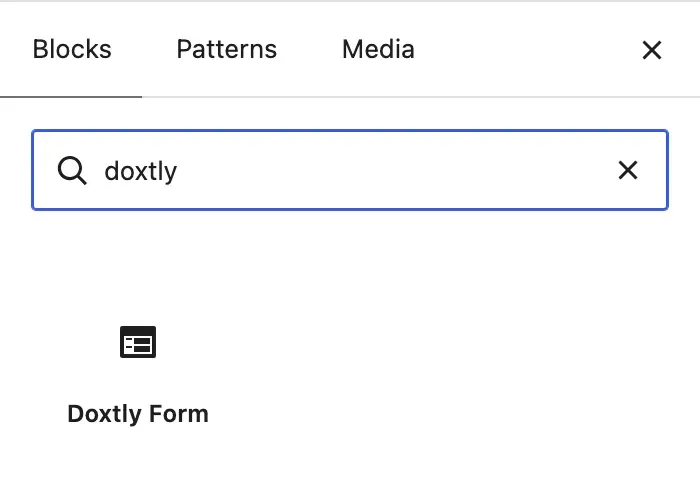
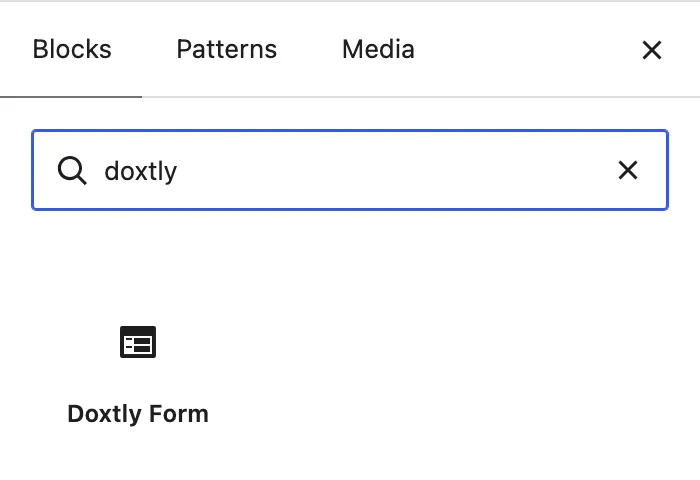
In the editor, click the inserter, search for “doxtly” and choose Doxtly Form. You will also find it among the Embeds.
-
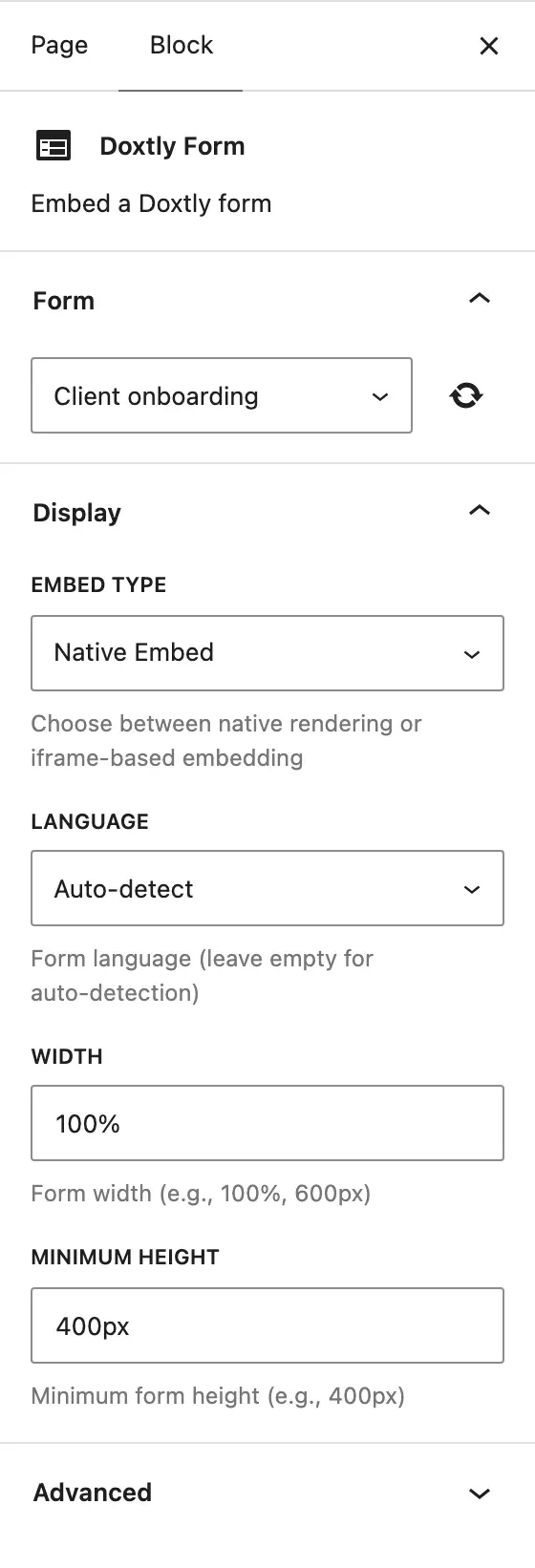
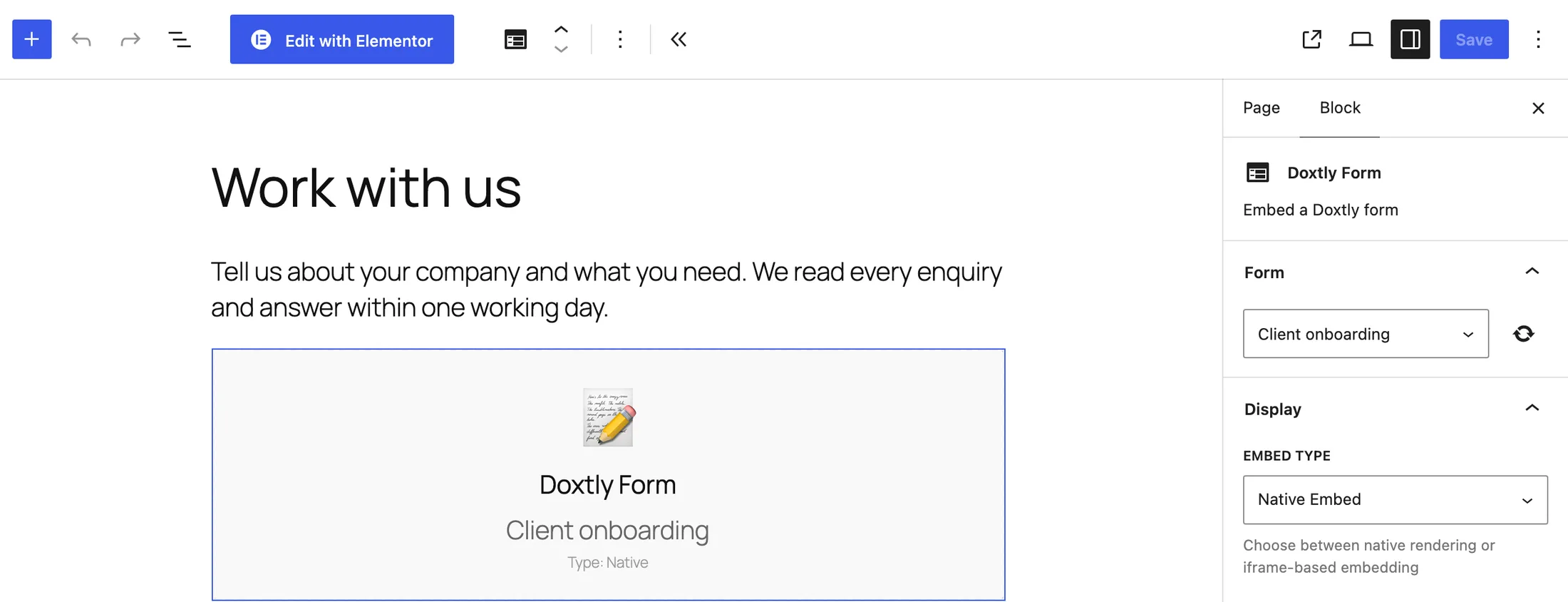
Open the block’s settings in the sidebar and choose the form under Form.
-
Adjust Display if you need to, and publish.
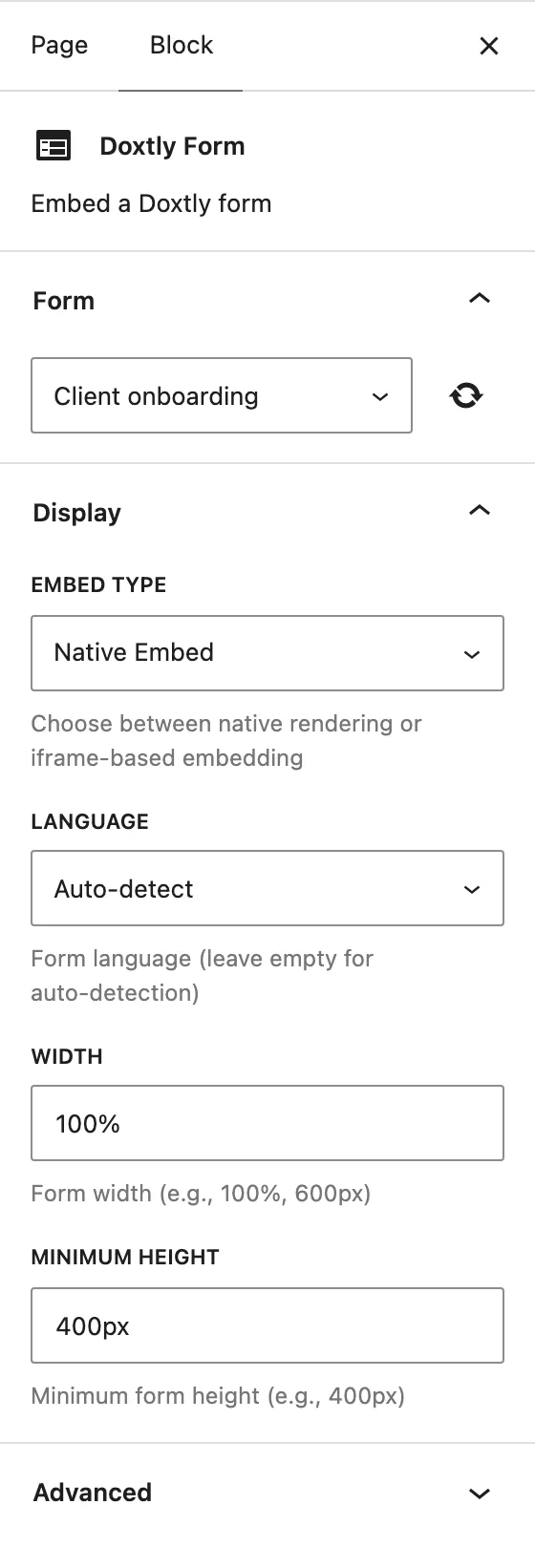
The block appears in the editor as a placeholder with the form’s title and embed type. The form does not run in the editor, so nobody can send a test submission by accident. To see it, use Preview, or open the published page.
| Setting | What it does | Default |
|---|---|---|
| Form | Which form to show. See What the Form field offers. | None |
| Embed Type | Native Embed draws the form inside your page. Iframe Embed shows it in a frame. See Native or iframe. | Native Embed |
| Language | Auto-detect, English, Polski, Español, Deutsch, Português, Français, Українська, ไทย, 简体中文, हिन्दी, العربية, 日本語, Türkçe or Italiano, for the texts Doxtly adds around your fields: buttons, messages, date pickers. See Languages. | Auto-detect |
| Width | The form’s width, such as 100% or 600px. |
100% |
| Minimum Height | The space the form always takes up, such as 400px, so the text below does not jump while it loads. The form grows past it as needed. A short form still takes this much room, so lower it for one. |
400px |
| Isolate from the site’s styles | Keeps your site’s CSS away from what is embedded, and lets it in when off. Offered for Native Embed only. See Styling. | On |
| Doxtly theme | The theme it is shown in: Theme set in Doxtly, or another theme of your organization. See Doxtly theme and background. | Theme set in Doxtly |
| Transparent background | Leaves out the theme’s page background, so your page’s own shows around the card. | Off |
Width and Minimum Height take a number with a unit: px, %, em, rem, vh or vw. Anything else falls back to the default. The form is never wider than the space it stands in, so 640px still fits a phone, and a theme’s content column limits it as well.
The block also works in the templates of a block theme, in the site editor.
The Elementor widget
Section titled “The Elementor widget”Available when: Elementor is installed and active
-
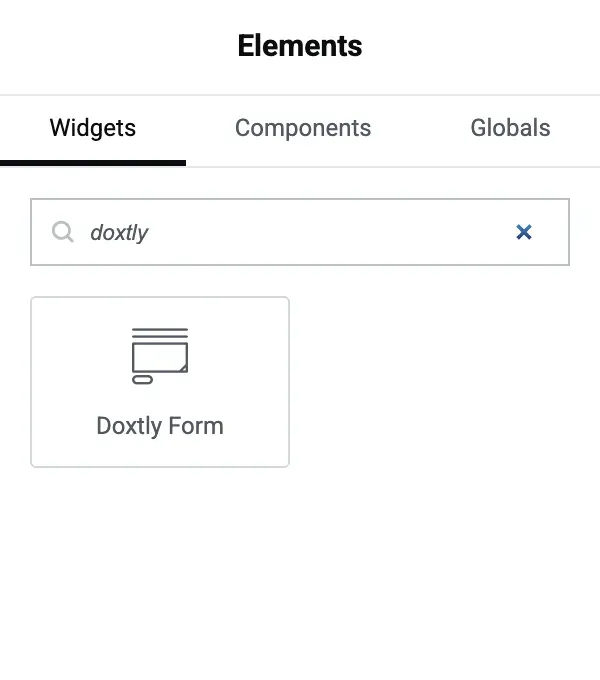
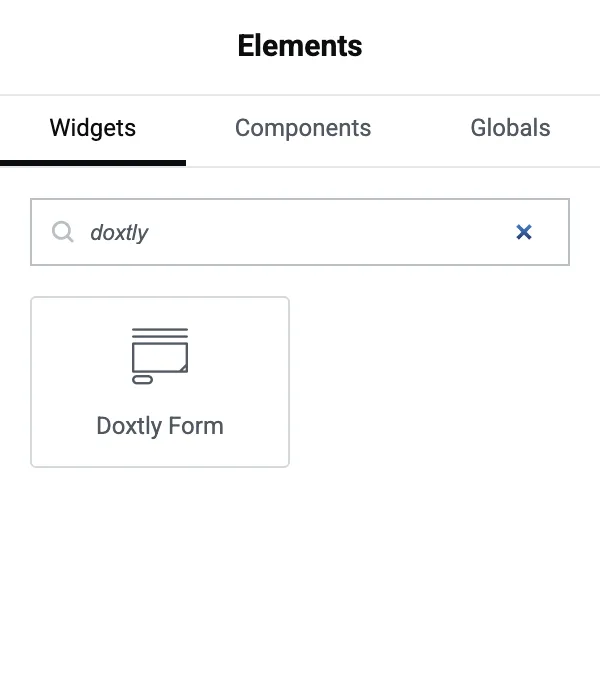
In the Elementor panel, search for “doxtly”, or find Doxtly Form under General, and drag it onto the page.
-
Choose the form under Form Settings.
-
Publish.
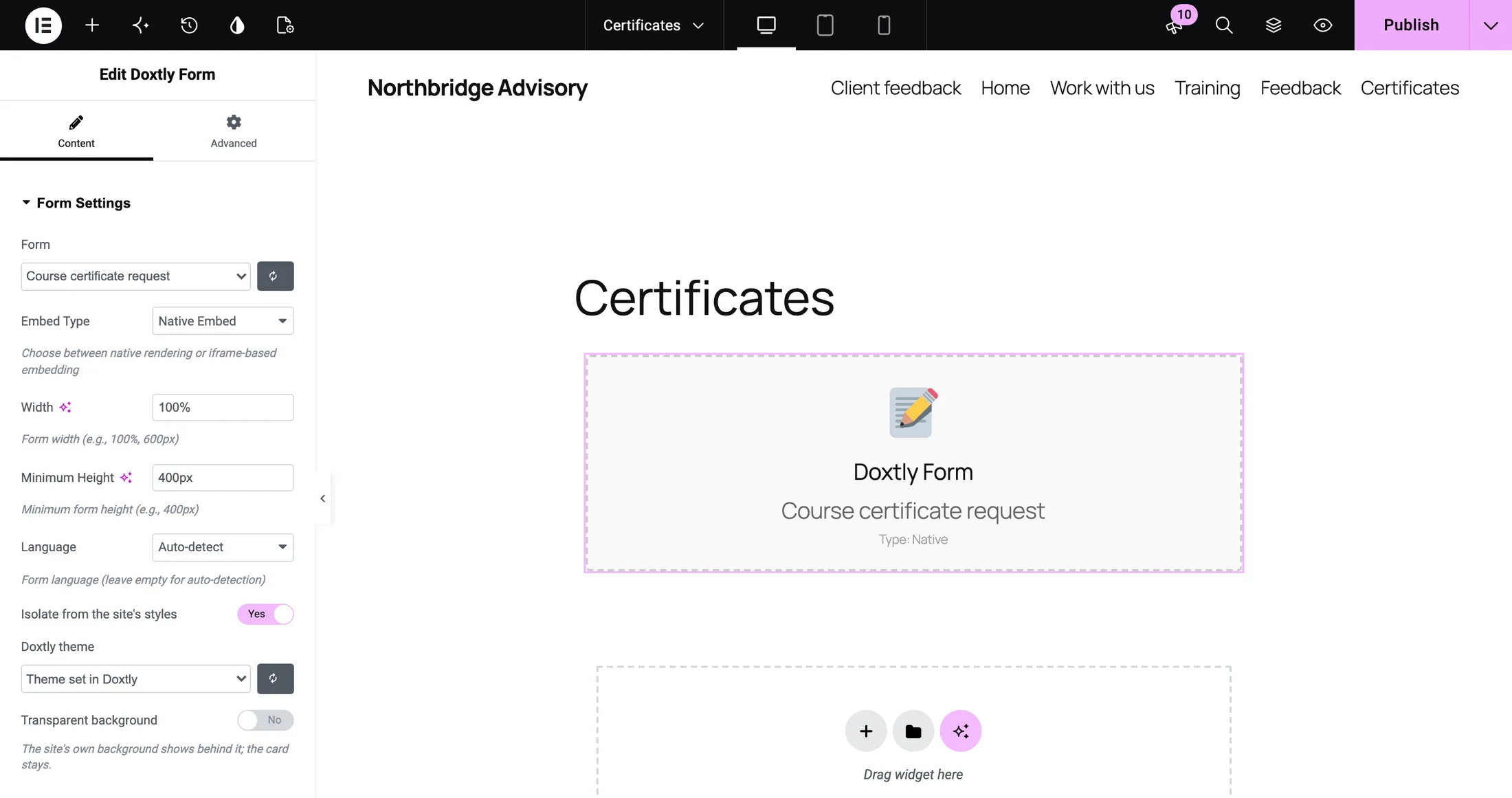
The widget has the same settings as the block, with the same names and defaults, all in one Form Settings section. On the page it shows the same placeholder. The refresh button is next to the Form field.
The shortcode
Section titled “The shortcode”A shortcode is a short piece of text in square brackets that WordPress swaps for something else when it shows the page. It works in the Shortcode block, the classic editor and a text widget.
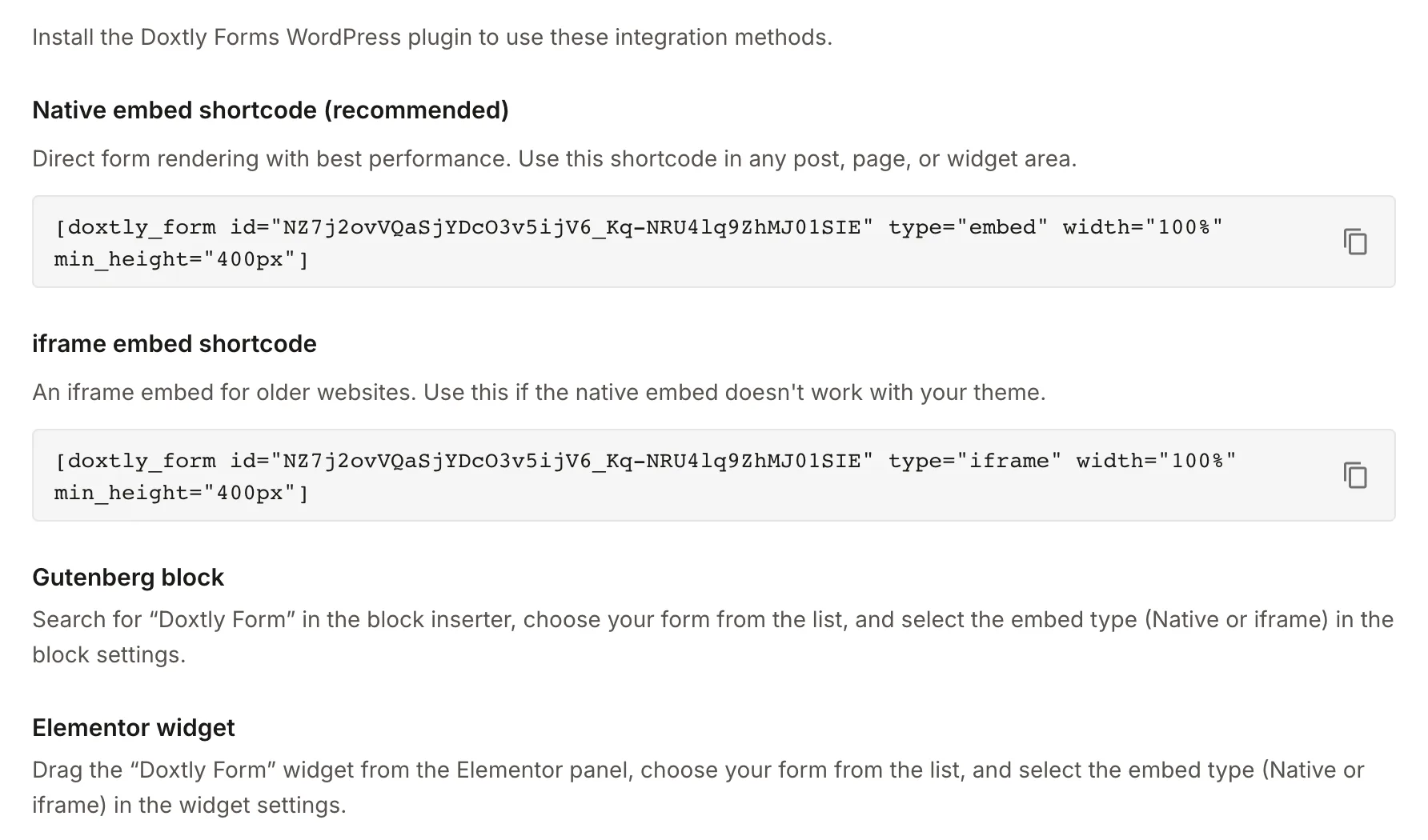
[doxtly_form id="sAFZpCfzVDHA4ZGG7cg-mHG1Vz3Q6gSgRdoEtCpaLio"]You don’t have to write it yourself. In Doxtly, open the form’s menu, choose Share and open the WordPress tab under Embed on a website. It gives you the shortcode with the form’s ID filled in, for both embed types.
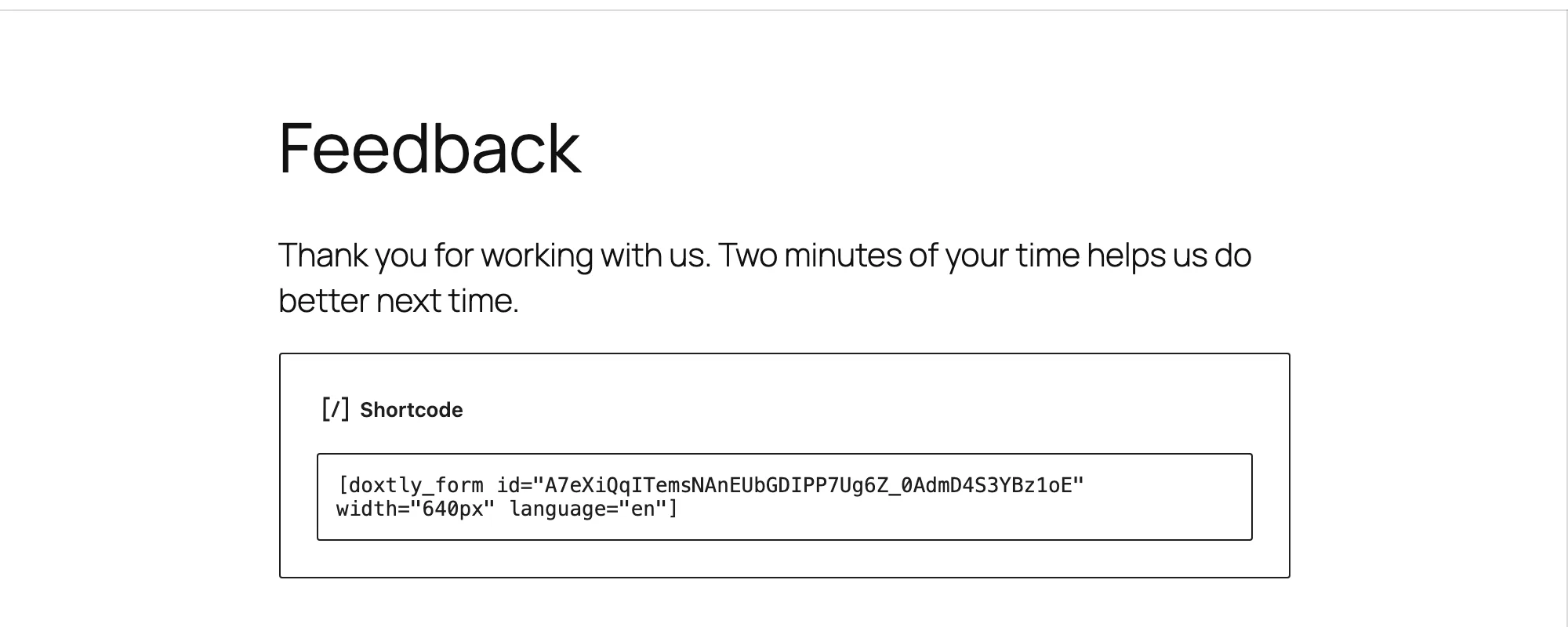
In the editor, a shortcode sits in a Shortcode block, here with a width and a language added:
| Attribute | What it does | Values | Default |
|---|---|---|---|
id |
The form. Required. | The form’s ID | |
type |
The embed type. | embed or iframe |
embed |
width |
The form’s width. | A number with a unit, as for the block | 100% |
min_height |
The space the form always takes up. | The same | 400px |
language |
The language of Doxtly’s own texts. | en, pl, es, de, pt, fr, uk, th, zh, hi, ar, ja, tr or it |
Detected |
shadow_dom |
false lets your theme’s styles reach the form. Native embed only. See Styling. |
true or false |
true |
theme |
A Doxtly theme to show it in instead of the one set in Doxtly. See Doxtly theme and background. | The theme’s ID, or a built-in one: branding, standard, neutral, calm, bold, exam or dark |
The theme set in Doxtly |
transparent |
true leaves out the theme’s page background, so your page’s own shows around the card. |
true or false |
false |
A full example, for a narrower form that is always in Polish:
[doxtly_form id="sAFZpCfzVDHA4ZGG7cg-mHG1Vz3Q6gSgRdoEtCpaLio" type="iframe" width="640px" min_height="600px" language="pl"]A value that is not allowed does no harm: the plugin uses the default instead. Only id stops the form. Without one, the page shows “Doxtly Forms: Form ID is required.”, and one that cannot be an ID shows “Doxtly Forms: Form ID is invalid.”
In the block and the widget, shadow_dom is Isolate from the site’s styles, shown for Native Embed.
What the Form field offers
Section titled “What the Form field offers”The field in the block and the widget depends on what the plugin knows about your forms.
| Situation | What you get |
|---|---|
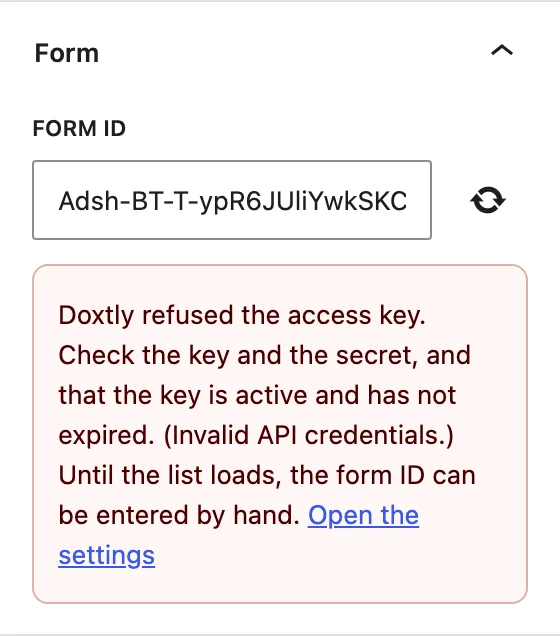
| No access key saved | A Form ID field to paste the ID into, and a reminder that a key would give you a list |
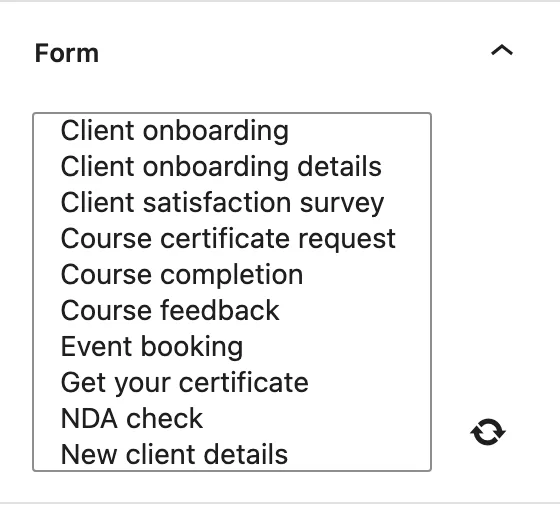
| The list loaded | A list of your active forms, sorted by title. You can’t type here, so a typo or a draft can’t reach a page. |
| No active forms in Doxtly | “No forms to choose from.”, with a note to set a form as active and refresh |
| The list failed to load | The reason, and a Form ID field, so a connection problem never stops anyone from editing a page |
WordPress keeps a loaded list for ten minutes, so opening the editor stays quick. If you have just made a form active, click the refresh button next to the field. All the blocks on the page share one list, so one click updates them all. The list holds up to a thousand forms.
A form that is no longer available
Section titled “A form that is no longer available”A block or widget can hold a form the list does not have: it was deleted, set to inactive, belongs to another organization, or was typed in while the list was failing. The plugin never swaps it silently. The field shows Unavailable form, the placeholder turns red, and a warning explains why.
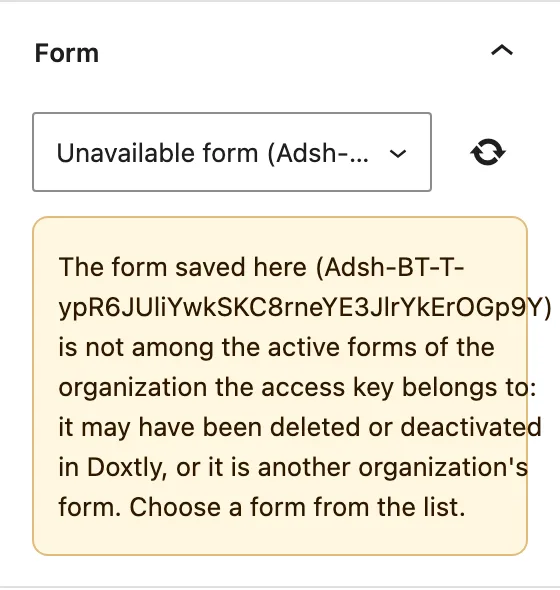
Choose another form from the list. If there is nothing to choose from, Remove the saved form clears the block. Until you act, visitors see what Doxtly answers for that form, usually Form not found.
Native or iframe
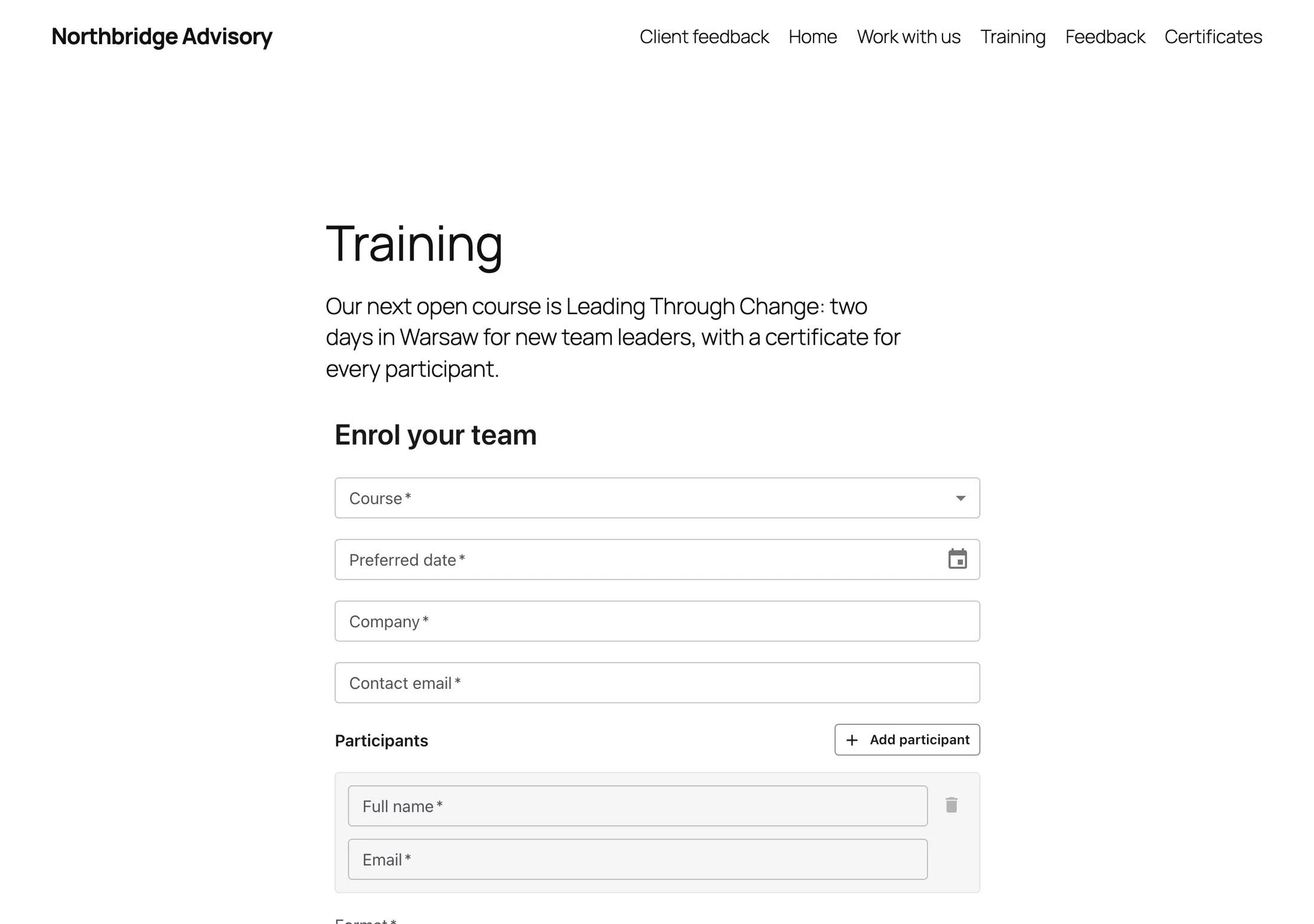
Section titled “Native or iframe”Both embed types show the same form, and in both the height follows the form, so there are no inner scrollbars. Native is the default and suits most sites.
| Native Embed | Iframe Embed | |
|---|---|---|
| Where the form lives | Inside your page, in a sealed area your theme’s CSS can’t reach | In a frame, fully separate from your page |
| Font | Inherited from your page | The visitor’s system font |
| Background | Your page’s | White |
| Going on to signing | Your page moves to the signing page, so the link passes through your page’s scripts | The frame opens the signing page, and your page never sees the link |
| With Validate request origin | List your website’s address | List your Doxtly address, such as https://app.doxtly.com |
Choose Iframe Embed if scripts or styles on your site get in the way of the form, or if you don’t want analytics or chat scripts on your page anywhere near a signing link.
Doxtly theme and background
Section titled “Doxtly theme and background”A form, a quiz or a survey appears in the theme chosen for it in Doxtly - its colours, font and custom CSS - with either embed type, and the theme stays inside it: it never restyles the rest of your page. To show one place differently, such as the same survey on two sites with different looks, choose another theme of your organization under Doxtly theme, in the settings of the block or the Elementor widget, or give a tag the theme’s ID in theme. Theme set in Doxtly, the default, follows whatever the form, quiz or survey uses in Doxtly, also when that changes later. A theme of another organization, or one deleted since, is ignored, and the one set in Doxtly is shown.
Transparent background leaves out the theme’s page background, so your page’s own shows around the card. The card itself, with its colours and corners, stays. In a tag, transparent="true" does the same.
The list of themes needs the Read themes of public pages permission on the access key. Without it, or without a key, the field says why, and you can leave it on Theme set in Doxtly or type a theme’s ID.
Quizzes and surveys
Section titled “Quizzes and surveys”A quiz or a survey is placed the way a form is, with the same choices. Add the Doxtly Quiz or Survey block, or the Doxtly Quiz or Survey widget in Elementor, and choose it under Quiz or survey. Its other settings are a form’s, with the same names and defaults: Embed Type, Language, Width, Minimum Height, Isolate from the site’s styles, Doxtly theme and Transparent background. The list holds your active quizzes and surveys, each marked Quiz or Survey, and needs the List quizzes and List surveys permissions; without them, or without a key, you type the token. Anywhere else shortcodes run, use a shortcode of its own, with the same attributes as [doxtly_form]:
[doxtly_quiz id="YOUR-QUIZ-TOKEN"][doxtly_survey id="YOUR-SURVEY-TOKEN" type="iframe"]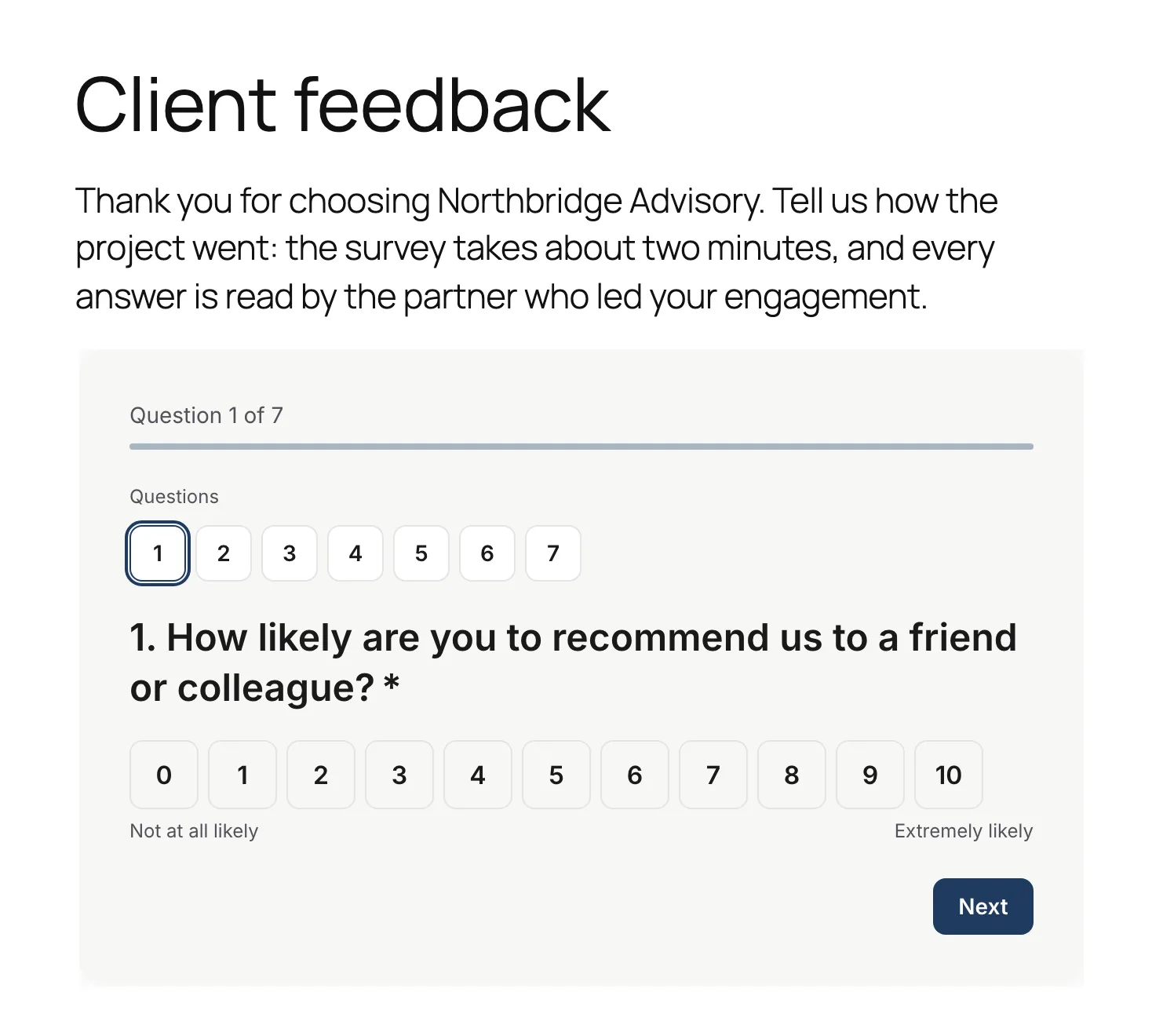
The id is the token at the end of its public link, after /q/. You don’t have to copy it by hand: under On a website, the Share dialog of the quiz or survey gives you the shortcode with the token filled in.
With Native Embed, the default, the quiz or survey is drawn inside your page as a form is, sealed from your site’s styles unless you turn the isolation off; with Iframe Embed it is shown in a frame that grows with it. One question per screen and a quiz that asks for the full screen work in both. language also picks the quiz’s language version in that language, if it has one. The parameters in the page’s address reach it, so a page opened with ?key= gives a person their own access. If the quiz or survey accepts only some websites, list your website’s address there, for either embed type.
If its script can’t load, the page shows “This quiz or survey could not be shown here.” with Open it in a new tab, which leads to its own page. The link tools find active quizzes and surveys too, labelled Doxtly quiz and Doxtly survey.
Interactive documents
Section titled “Interactive documents”An interactive document opens on its own page and can’t be embedded, in WordPress or anywhere else. To offer one on your site, link to it: add a link or a button and type the document’s name.