

Languages
A Polish company selling to a German customer wants its messages in German and its own records in Polish. Doxtly keeps these apart: each party has a language, and your organization has one for what it keeps on file.
Choosing a party’s language
Section titled “Choosing a party’s language”In the package editor or a Create documents step, open the party’s row and pick a Language: Polish, English, Spanish, German, Portuguese, French, Ukrainian, Thai, Chinese, Hindi, Arabic, Japanese, Turkish or Italian. Left on The organization’s language, Doxtly goes by the last language the party used on the page, then their account’s language if they are a member of your organization, and finally your organization’s.
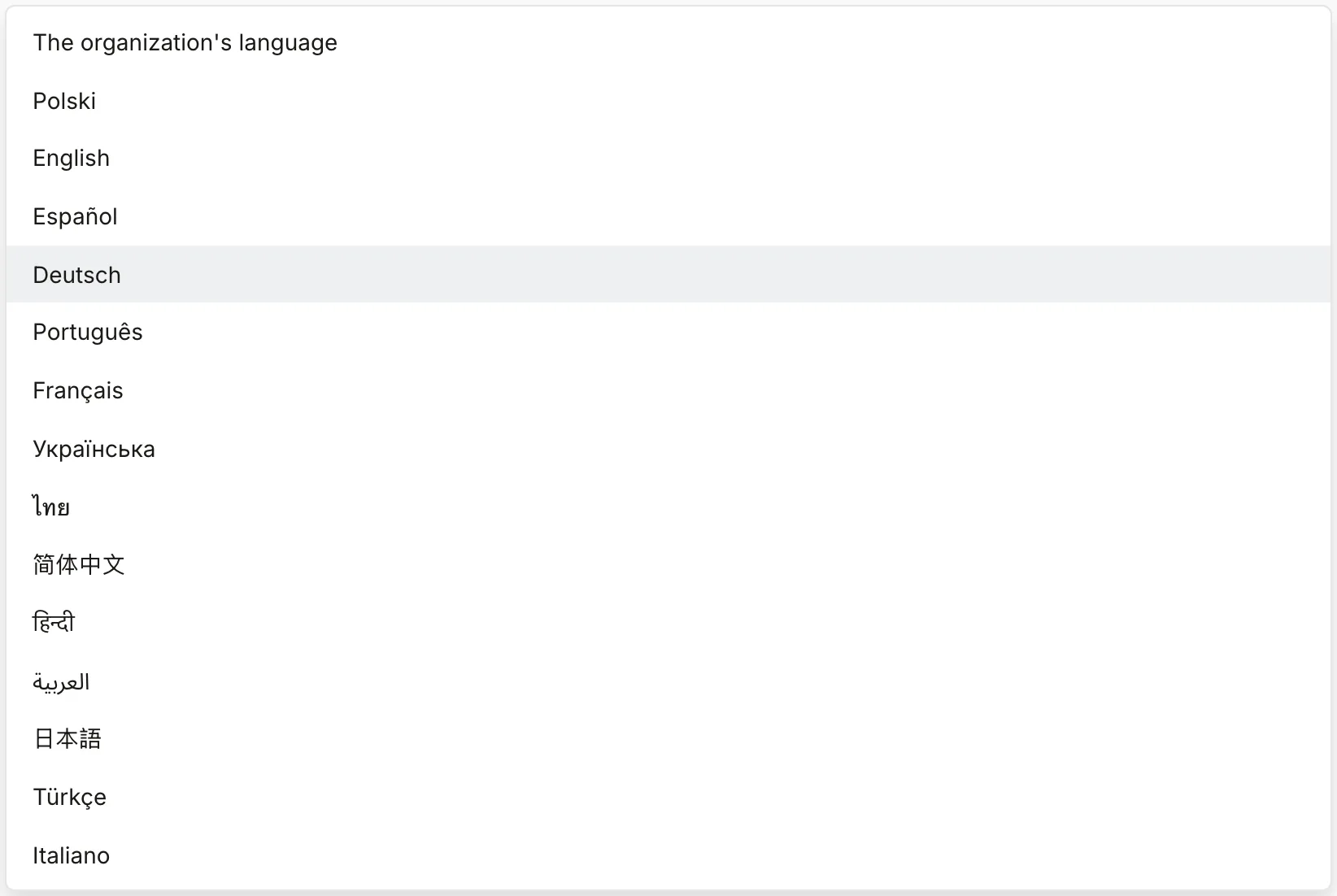
The language decides what the party is written to in: the request to sign, reminders, the completion notice, in all fourteen languages. Approvers and viewers have a language of their own, chosen the same way.
When you send to several people at once, the table of people gets a Language column when it applies, so each person can have their own.
The signing page
Section titled “The signing page”The signing page itself appears in the same fourteen languages. It opens in the language you chose for the party, otherwise in the browser’s, and then in your organization’s. In Arabic the page is laid out from right to left, buttons and lists included; the documents keep their own layout.
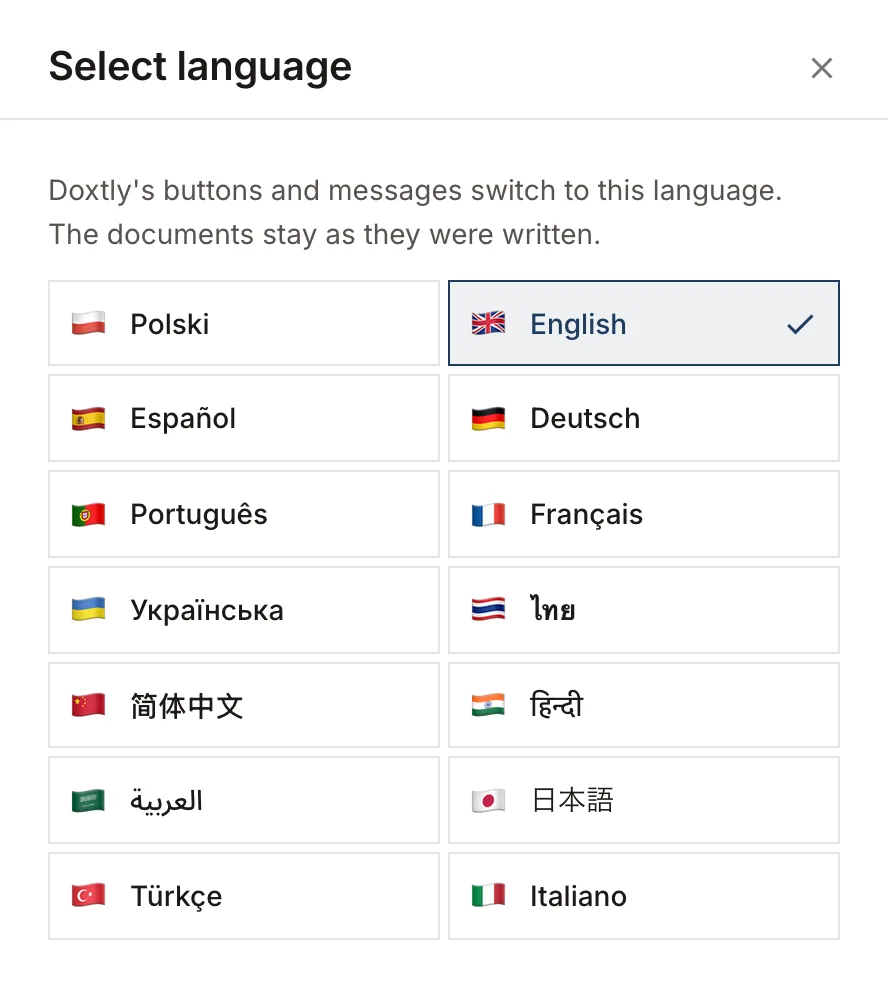
The party can change it at any moment with the language button at the top of the page: the flag and the language’s own name, the flag alone on a phone. It opens Select language, with each language under its own name, such as Deutsch or 日本語.
On a page without the documents’ header, such as the one after signing, the button sits in the top right corner. Their choice is remembered for that link on that device, so the page opens in it next time, and it becomes the language Doxtly writes to them in unless you chose one for the party.
| Follows the page’s language | Stays as written |
|---|---|
| Doxtly’s buttons, instructions, error messages and the signature disclosure | The documents, and the labels of fields your team wrote |
| The message with a verification code | |
| The additional conditions, if they were written in that language; otherwise your organization’s |
Changing it doesn’t change the language of the Doxtly app for someone signed in on the same browser, and someone signing from inside the app doesn’t get the button: the app’s own language applies.
Messages to the party
Section titled “Messages to the party”Each message Doxtly sends a party comes in the language you set in Signature request or on the reminder, or else the party’s language. A message template without a version in that language falls back to its default language. See Message languages.
The certificate
Section titled “The certificate”The Certificate of Completion and the audit certificate are written in your organization’s language. For a document going abroad, turn on Certificate in the parties’ languages on the document. The certificate is then followed by a full copy in each language its parties work in, one for each, so the person signing can read the evidence too.
A party’s certificate language is the one chosen for them, if the certificate can be written in it, otherwise the one they last used on the signing page, the one of their account, or your organization’s.