

Examples
Three setups from Northbridge Advisory’s website. Each one takes minutes once the form exists.
A client onboarding page that ends in a signature
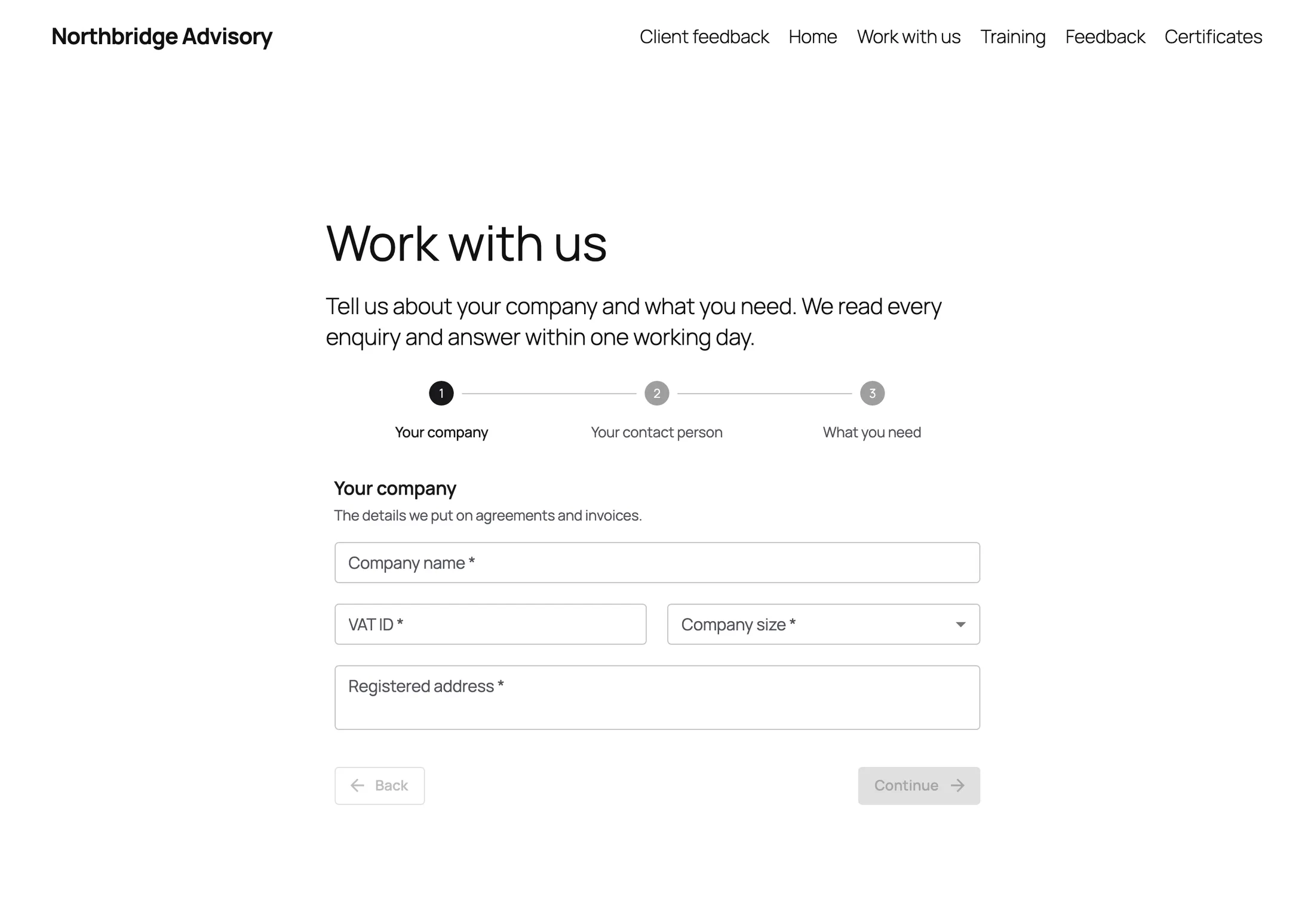
Section titled “A client onboarding page that ends in a signature”Northbridge wants new clients to enter their company details once, and to have the service agreement ready straight away.
-
In Doxtly, build a multi-page form and a workflow that generates the agreement from its answers and sends it for signing.
-
In WordPress, create the page “Work with us” and add the Doxtly Form block.
-
Choose the form. Keep Native Embed, so that it picks up the site’s font.
-
Set Minimum Height to
600px, close to the height of the first step, so that the footer doesn’t jump while the form loads.
If your site runs analytics or chat scripts, switch Embed Type to Iframe Embed. The signing link then never passes through your page.
Course enrolment with campaign tracking
Section titled “Course enrolment with campaign tracking”Northbridge promotes a course in a newsletter and on LinkedIn, and wants to know which channel brings enrolments.
-
Add the Training enrolment form to the “Training” page with the block.
-
In the form’s Link parameters settings, turn the parameters on and list
utm_sourceandutm_campaign. -
Use links to the WordPress page with those parameters:
https://www.example.com/training/?utm_source=newsletter&utm_campaign=autumn.
Each submission now records where it came from, with nothing added to the form that a visitor has to fill in.
A site in English and Polish
Section titled “A site in English and Polish”Northbridge’s site has both languages, and its feedback survey should match the page it is on.
-
In Doxtly, make the survey twice, once with English labels and once with Polish ones, so that you have “Client satisfaction survey” and “Ankieta satysfakcji klienta”.
-
On the English page, add a Shortcode block or the Doxtly Form block with the English form, and set the language to English:
[doxtly_form id="ENGLISH-FORM-TOKEN" language="en" width="640px"] -
On the Polish page, do the same with the Polish form:
[doxtly_form id="POLISH-FORM-TOKEN" language="pl" width="640px"]
Buttons, messages and date pickers now follow the page and not the visitor’s browser. The 640px keeps the survey comfortable to read on a desktop, and on a phone it narrows to fit. With a workflow on each form, both can feed the same spreadsheet.