

Contact types
A type is a label for a group of contacts: Customer, Supplier, Partner. It makes the list easier to read, and it lets a workflow react to one group only. A contact has one type or none. A recruitment agency might keep Candidate and Hiring manager apart, so that a workflow welcomes only new candidates.
Available when: the View contacts permission; the Manage contact types permission to change them
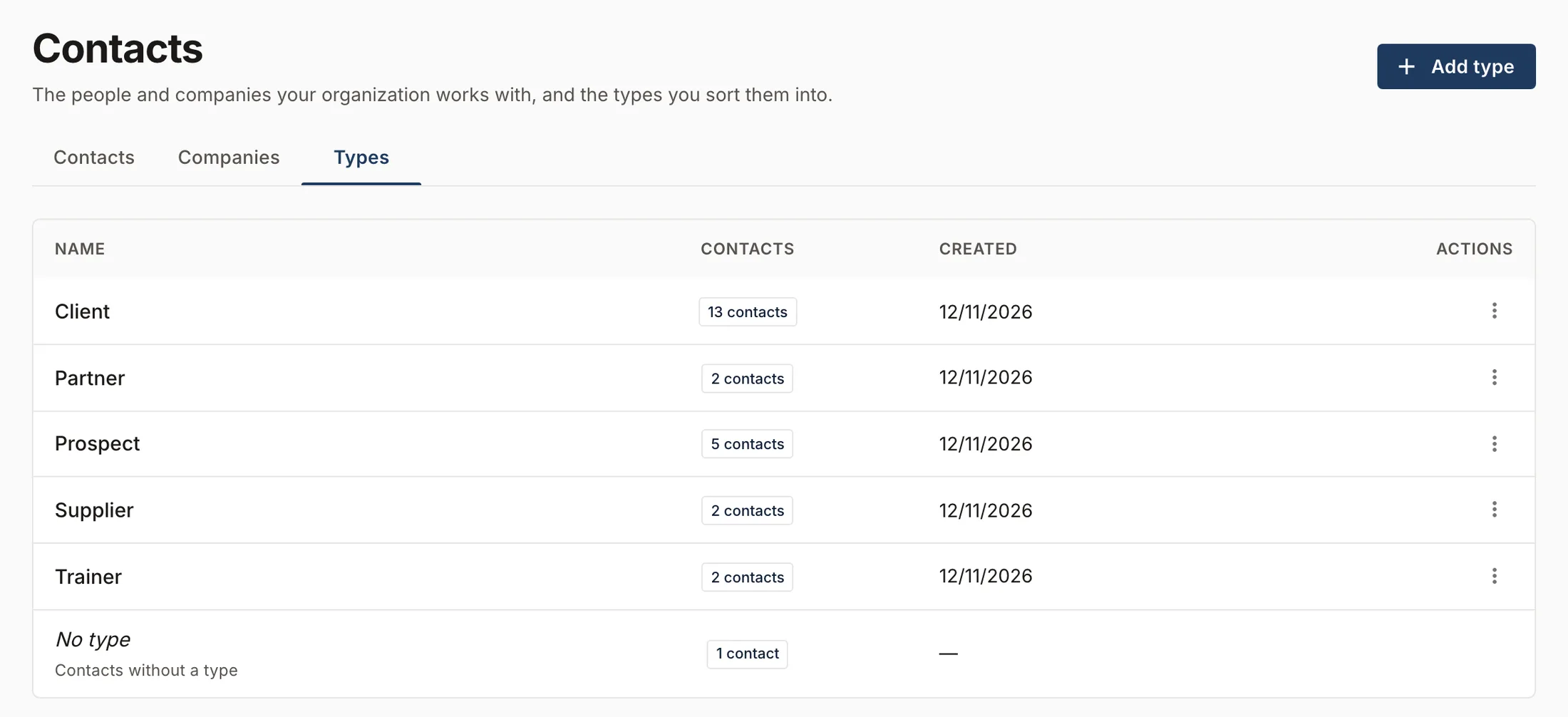
The Types tab of Resources > Contacts lists your types by name, each with the number of its contacts and the date it was created. The No type row counts the contacts without one. Click a row to open the list of contacts narrowed to it.
Add and rename
Section titled “Add and rename”Press Add type, enter a Name and confirm. Your organization can have one type of a name, whatever its letter case, up to 100 types. Rename on a type’s three-dot menu changes the name everywhere at once, and workflows that use it keep working.
Delete a type
Section titled “Delete a type”Delete on a type’s menu asks first, and tells you how many contacts will have no type and how many workflows use it. The contacts stay, without a type. While a workflow names the type, in its trigger or a Save contact step, Delete is greyed out and the dialog lists those workflows: change them first (Deleting what a workflow uses).