

Installing the plugin
Doxtly Forms adds a block, an Elementor widget and a shortcode to WordPress, so a form you built in Doxtly can sit on any page of your site. This page takes you from download to a published form, and covers updating and removing the plugin.
Before you start
Section titled “Before you start”| You need | Details |
|---|---|
| WordPress | 6.3 or newer |
| PHP | 7.4 or newer |
| A WordPress user who can install plugins | Usually an administrator |
| A Doxtly form set to Active | See Forms. A form that is not active shows Form not found on the page. |
| Elementor | Optional. The widget appears only if Elementor is installed. |
API access, which the optional access key uses, is part of every plan. The plugin is translated into Polish, Spanish, German, Portuguese, French, Ukrainian, Thai, Chinese (simplified), Hindi, Arabic, Japanese, Turkish and Italian, as WordPress lists them: Polski, Español (Spain), Deutsch, Português (Portugal), Français (France), Українська, ไทย, 简体中文 (China), हिन्दी, العربية, 日本語, Türkçe and Italiano. WordPress users with one of these as their language see its screens in it, and everyone else sees English, also in a variant such as Mexican Spanish or Brazilian Portuguese.
Installing
Section titled “Installing”Get the plugin from the plugin’s page of the Doxtly website. The file is always the latest version, and the page shows its checksum if your company verifies downloads.
-
Download
doxtly-forms.zip. -
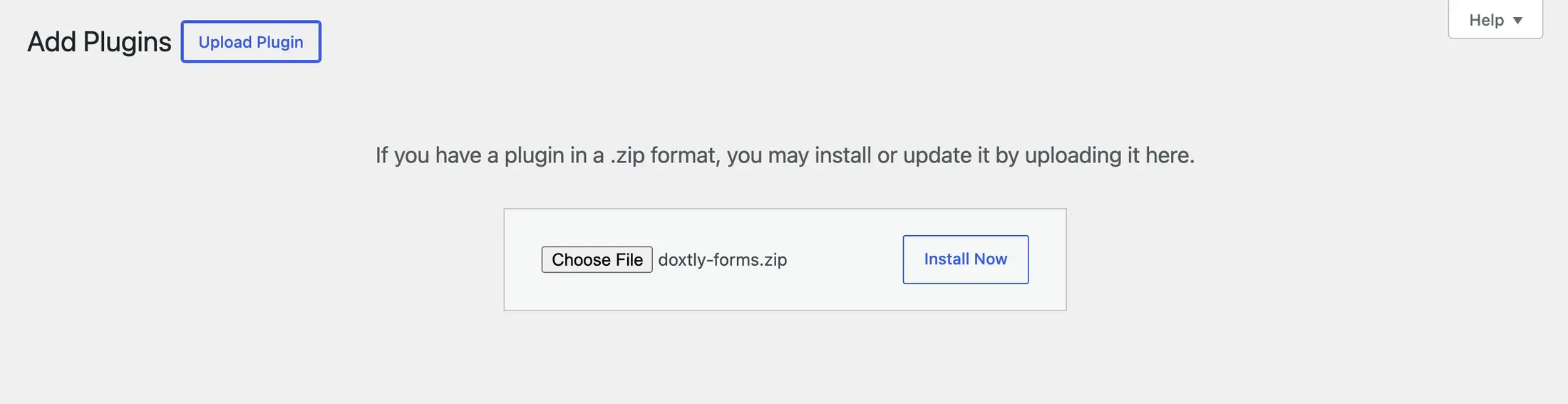
In WordPress, go to Plugins → Add Plugin and click Upload Plugin. Older WordPress versions call the second item Add New Plugin or Add New.
-
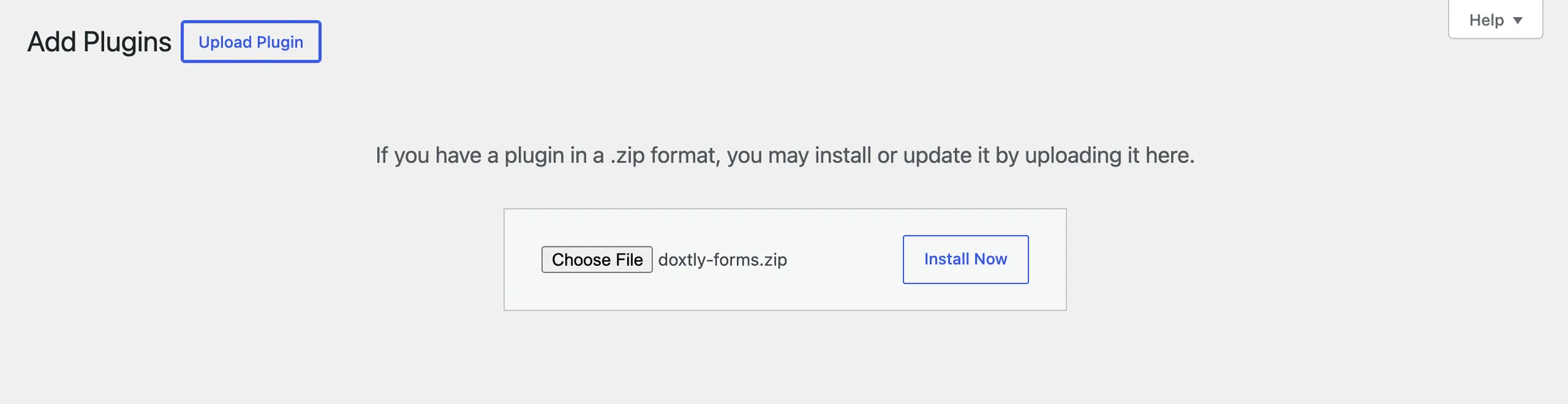
Choose the file and click Install Now.
-
Click Activate Plugin.
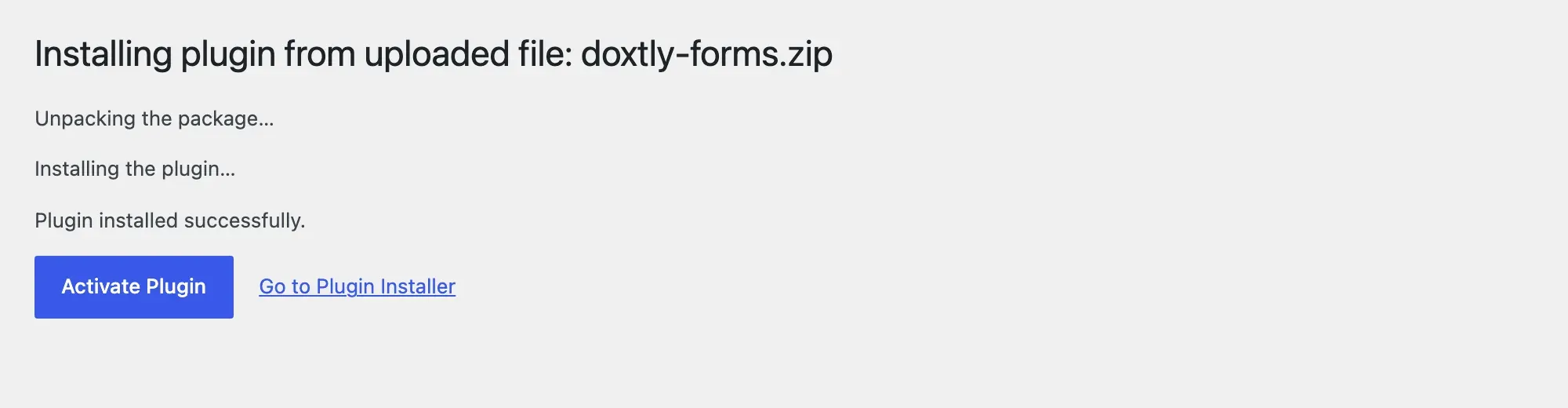
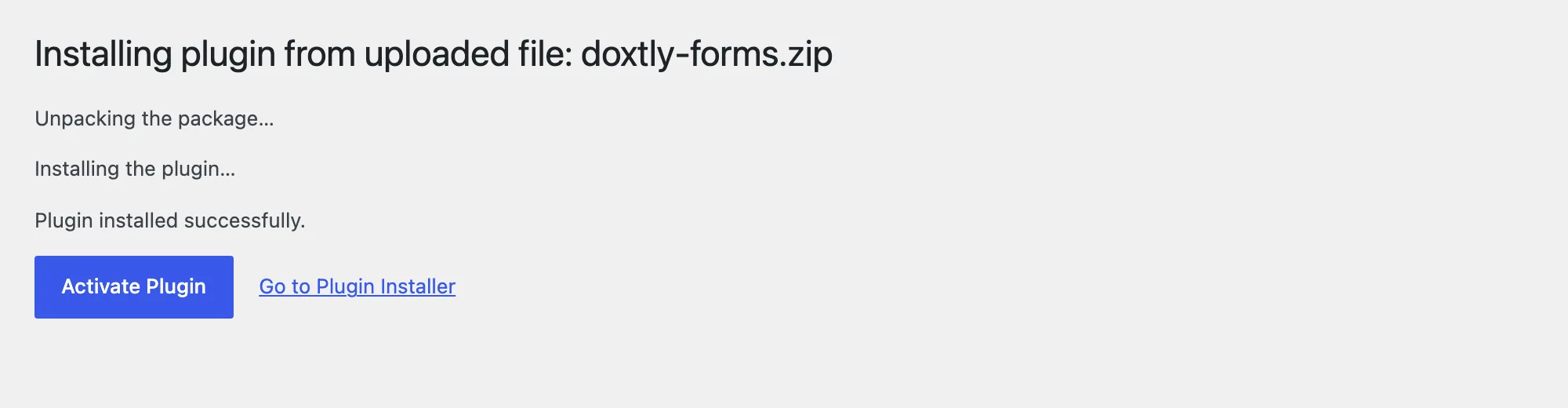
Doxtly Forms now appears in your list of plugins, with a Settings link that leads to its page under Settings → Doxtly Forms.

Your first form
Section titled “Your first form”This is the shortest way to a live form. You can add the access key later.
-
If your organization has its own subdomain, open Settings → Doxtly Forms, enter your address as the Application URL and click Save changes. Everyone else can skip this: the plugin starts with
https://app.doxtly.com. -
In Doxtly, open the form’s Share dialog and copy its Public link. The ID the plugin asks for is the last part of that link, after
/f/: the form’s public token. -
In WordPress, open a page and add the Doxtly Form block.
-
Paste the ID into Form ID in the block’s settings.
-
Publish the page and open it. The form is there, ready to use.
The editor shows a placeholder, not the form itself. Use Preview or the published page to see the real thing.
Updating
Section titled “Updating”WordPress does not offer updates for this plugin on its own, so look at the plugin’s page from time to time. It shows the current version, and the settings page shows yours in its top right corner.
-
Download the new
doxtly-forms.zip. -
Upload it the way you did the first time: Plugins → Add Plugin → Upload Plugin.
-
WordPress says This plugin is already installed and compares the two versions. Click Replace current with uploaded.
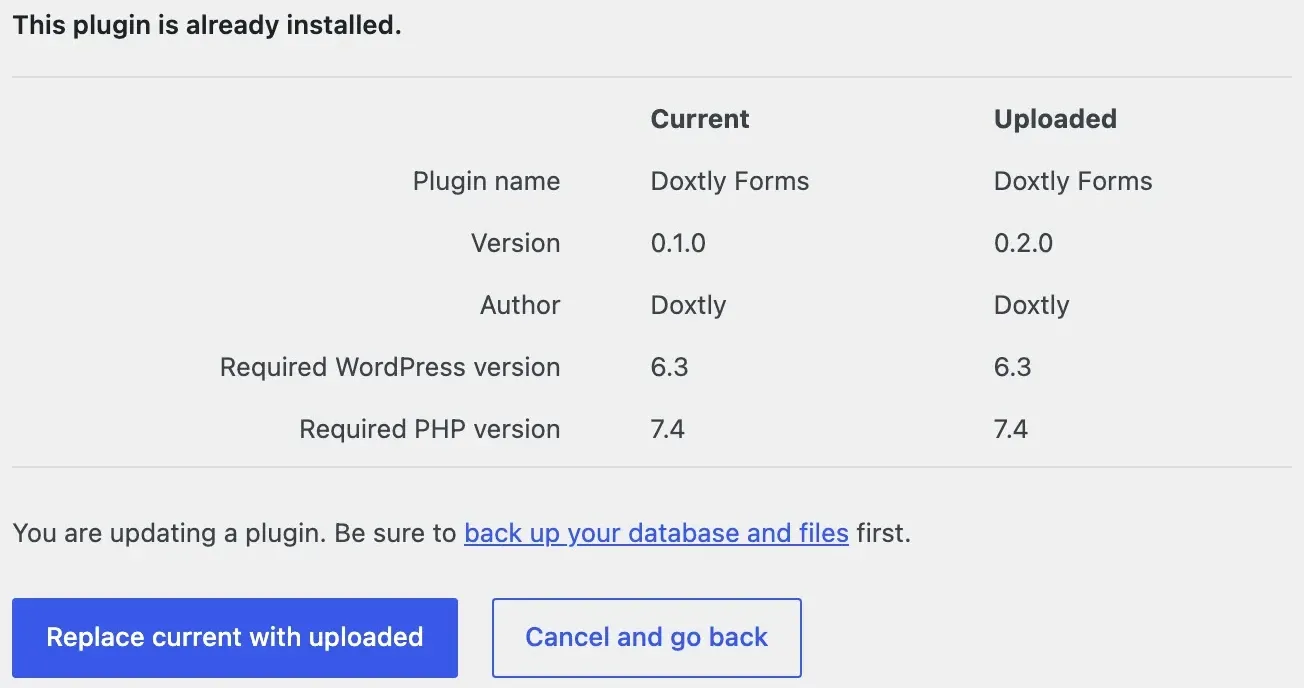
Your settings, the access key and the forms on your pages all stay as they were.
Switching the plugin off and removing it
Section titled “Switching the plugin off and removing it”What stays behind depends on how far you go.
| What you do | Your pages | Settings and access key |
|---|---|---|
| Remove the saved access key in the settings | Forms keep working. Editors enter IDs by hand again. | The key is deleted from WordPress. The addresses stay. |
| Deactivate the plugin | Blocks and widgets show nothing. A shortcode appears on the page as plain text, such as [doxtly_form id="…"]. |
Kept, so activating it again restores everything. |
| Delete the plugin | The same as deactivating. | Deleted, including the encrypted access key, on every site of a multisite network. A cached form list runs out by itself within ten minutes. |
Deleting the plugin leaves two things alone:
- Your pages. The blocks, widgets and shortcodes stay in their content. If you install the plugin again they work again. Any settings you had need entering once more.
- Your Doxtly account. Forms and submissions are untouched, and the access key is still valid. If you no longer need the key, disable or delete it in Doxtly.