
Your software can do what your team does in the app
Generate a contract from your CRM, pull submissions into a tool of your own, or send a templated email when an order ships. API access is on every plan.
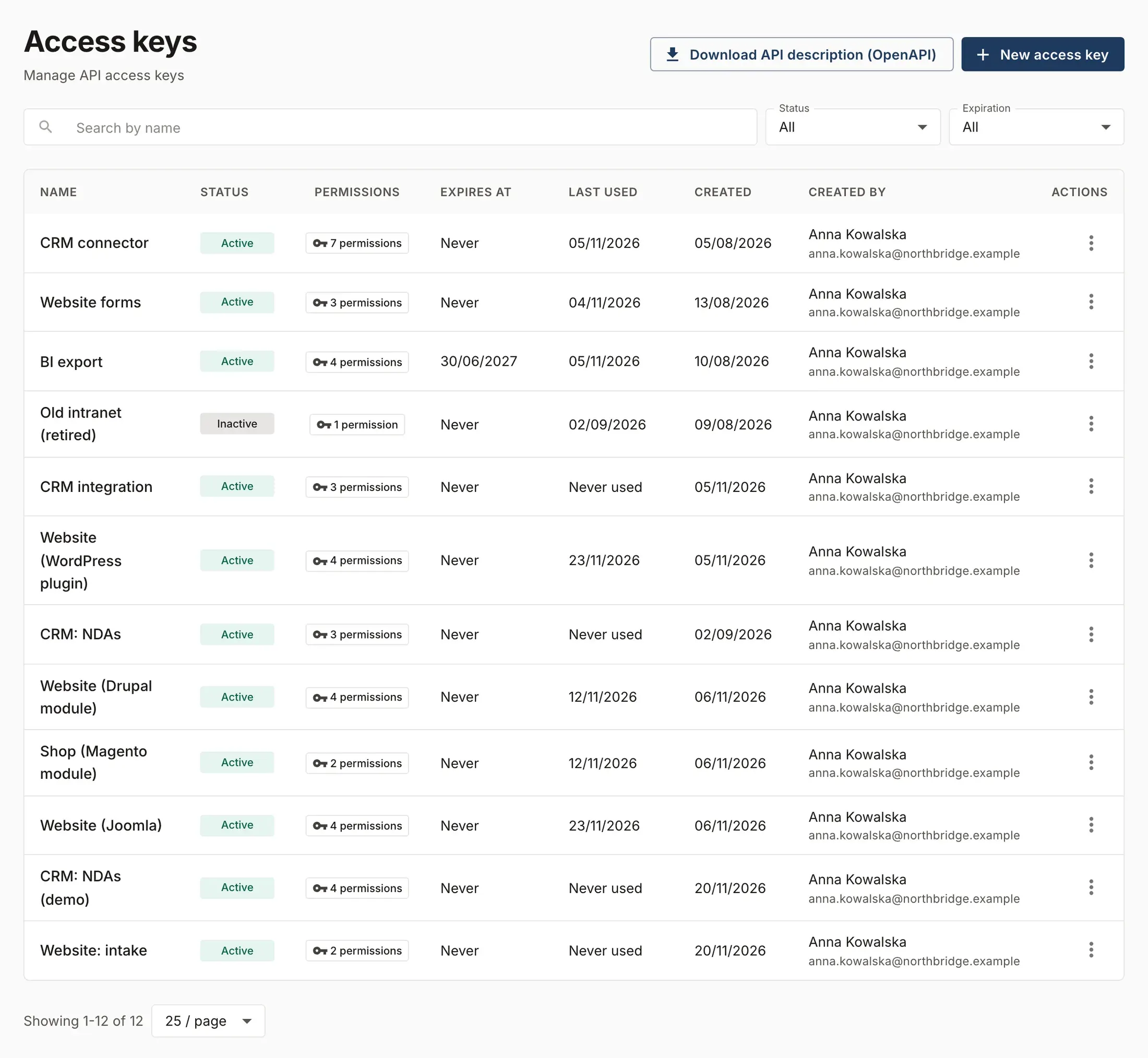
A plain JSON API
It works over HTTPS with two headers, and the manual documents every endpoint with examples. Lists share one way of paging, sorting and filtering, and errors come with a code your program can act on. Whoever manages access keys can download its OpenAPI description in the app, for Postman or to generate a client in any language.
- Templates and generated files
- Forms, interactive documents and their submissions
- Workflows, runs, webhooks and their requests, outgoing webhooks and their deliveries
- Signing packages: drafts, documents, parties, sending, reminders, deadlines, voiding, bulk actions and export
- Contacts, companies, custom fields and personal links to fill in
- Cloud files, data sources, and email and text message templates
- Quizzes and their attempts, surveys and their responses, and the themes of your public pages
- Payments, with their attempts and refunds
Keys that can do only what you gave them
An access key belongs to the organization, not to whoever made it, so it keeps working when that person leaves. You pick its permissions one by one, and its secret is shown only once. One key for the CRM, another for the reporting script: each sees only its own part.
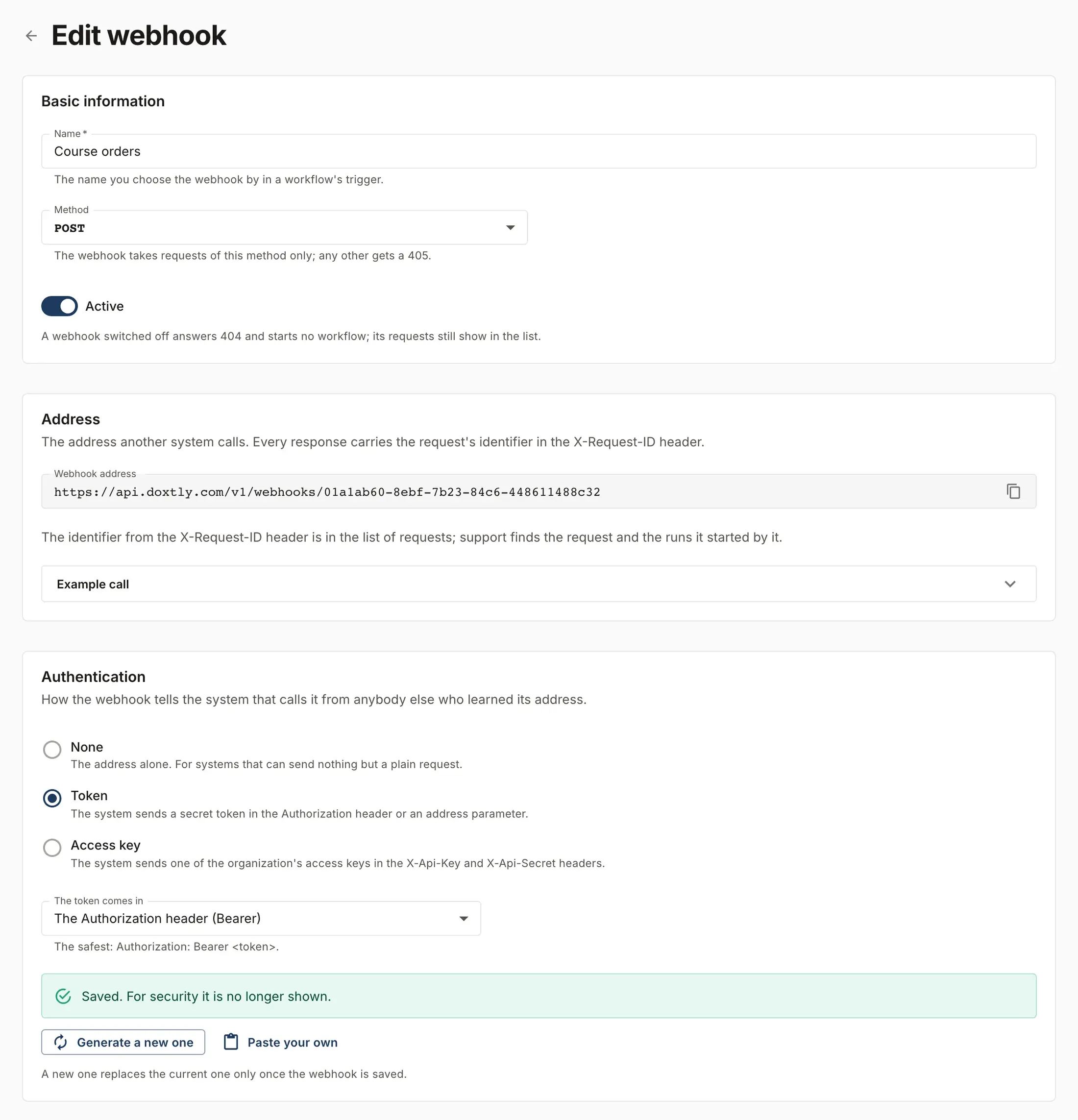
Incoming webhooks
When another system should start something, it does not need a client library. Give it a webhook address. Each webhook checks the method and the caller, answers at once, and starts every active workflow listening to it. All calls appear in a log with their outcome and the runs they started.
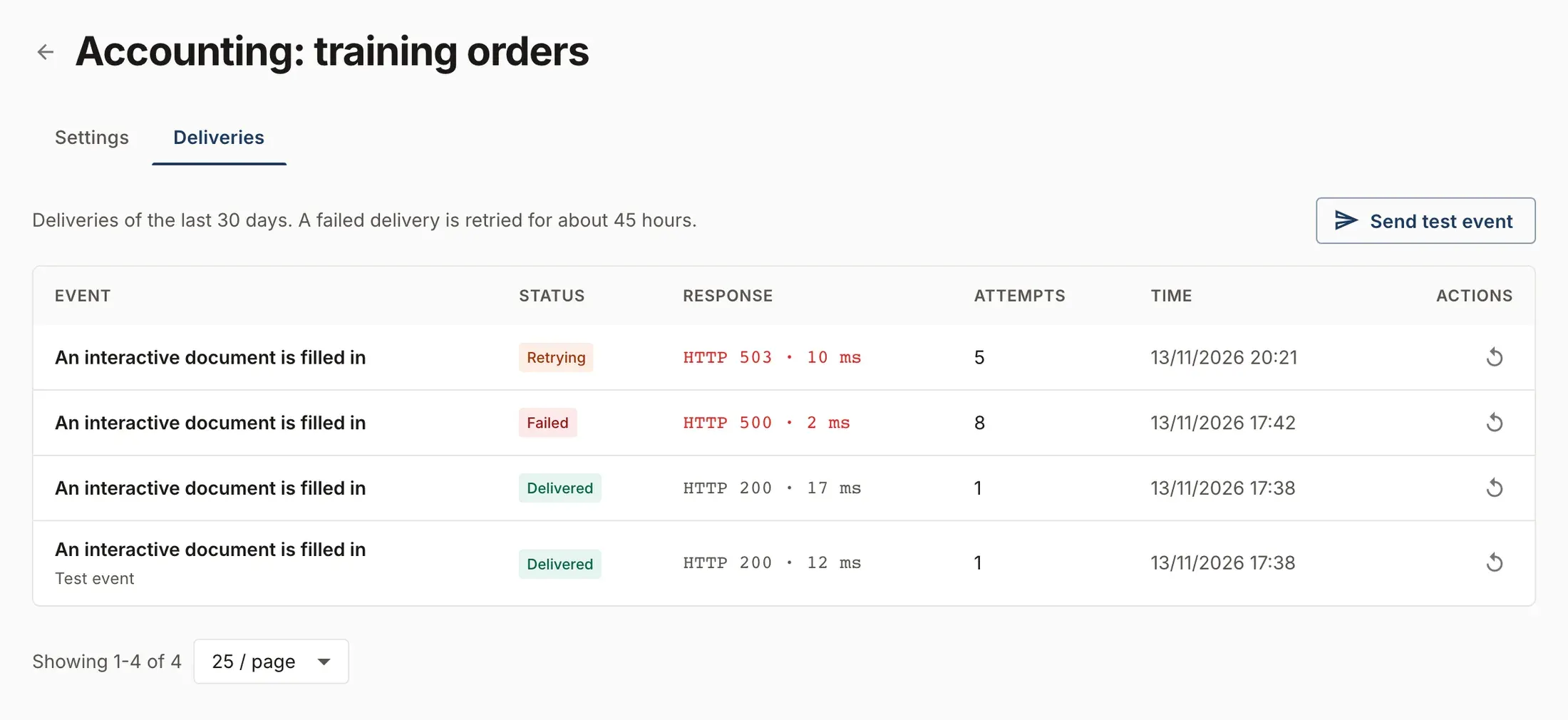
Outgoing webhooks
When something happens in Doxtly, your system can hear about it without asking. Subscribe an HTTPS address to the events you need, such as a form submitted, a package fully signed or a contact saved, and Doxtly sends each one as a signed JSON request. A delivery that fails is tried again for nearly two days, and the Deliveries tab shows every attempt with its answer. Files never travel in the request: it carries links that only an access key can open.
AI agents through MCP
Connect Claude Code, Cursor, VS Code or Codex to Doxtly’s MCP server with an access key, and ask in plain words: generate this contract, send it to the client to sign, has everyone signed yet, find last week’s submissions. The agent sees only the tools the key allows and works only with your organization’s records.
What a key cannot do
- A signature itself can only be given on the signing page, and users, roles, portals and billing are out of reach of an access key.
- What you create or generate through the API counts towards your plan as it does in the app.
- The API is for your servers. Keep the secret out of browser code.
Questions people ask
Which plans include the API?
All of them, including Free. Your plan’s monthly limits apply to what you do through it.
Is there a rate limit?
There is no fixed quota of requests per minute for access keys. Plan limits apply, a connected drive can throttle you, your organization’s webhook limits apply to webhook calls, and a few heavier operations have limits of their own: an organization can start up to 30 bulk actions an hour, and previews of draft documents are limited too. Through the MCP server, a key can call 120 tools a minute.
Can I send documents for signature through the API?
Yes. An access key with the right permissions can put a package together, send it, copy it, void it and export it. A webhook that starts a workflow with a Create documents step does the same job when you would rather keep the rules in Doxtly.
Start with one document.
Take the contract you retype most often and turn it into a template. The Free plan is enough, and you need no card.